November 12, 2026
Buying UPS or networking equipment in the UAE? Understand what a product warranty typically covers, including hardware defects, batteries, repairs, replacements and common exclusions before purchasing.
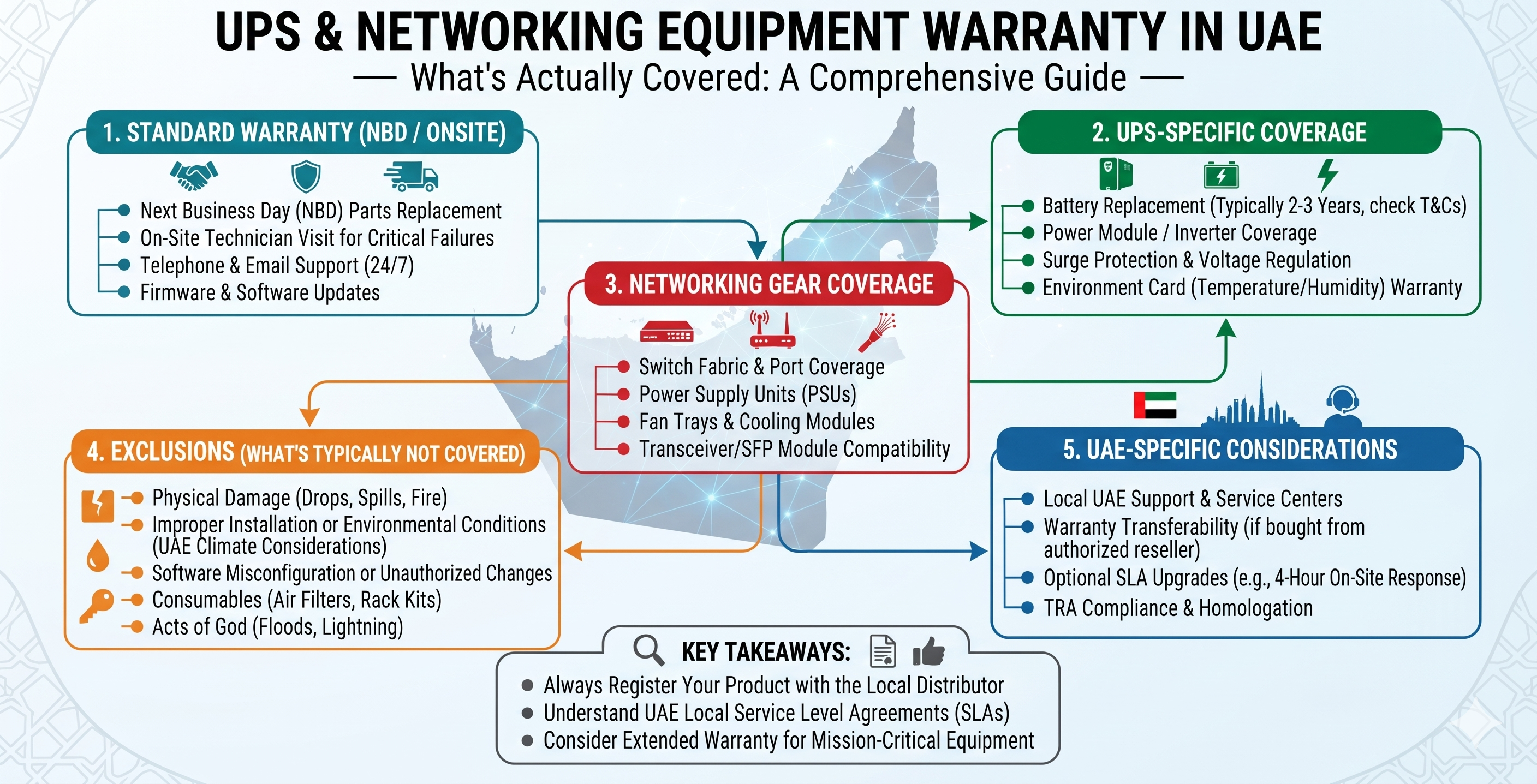
When purchasing UPS systems and networking equipment in the UAE, buyers often compare product specifications, brands, prices and availability. However, one important factor that deserves equal attention is the warranty. A product warranty can affect maintenance costs, equipment replacement decisions and long-term IT infrastructure reliability.
But what does a warranty actually cover? Does a UPS warranty include its batteries? Will a network switch be replaced if a port stops working? Are power surges, accidental damage or on-site repairs included?
The answer depends on the manufacturer, product series, warranty terms and the supplier's sales conditions. This guide explains common UPS and networking equipment warranty coverage, typical exclusions and the questions UAE businesses should ask before placing an order.
An IT equipment warranty is a commitment made under specified terms to repair, replace or otherwise address qualifying product defects during a defined coverage period. It generally applies when a product develops a fault covered by the manufacturer's or seller's warranty conditions.
For commercial IT equipment, warranty coverage may differ by product type, model, component and service plan. For example, a UPS may have separate warranty terms for its electronic components and batteries, while a network switch may have hardware coverage with a different support arrangement.
Before purchasing equipment, buyers should check:
An Uninterruptible Power Supply (UPS) protects connected equipment against certain power problems and provides backup power during interruptions. Since a UPS contains electronic components, power conversion circuitry, cooling systems and batteries, its warranty may cover different components under different conditions.
Depending on the manufacturer's terms, warranty coverage may include qualifying defects in internal electronic components such as control boards, inverter circuits, rectifiers and other factory-installed hardware.
Coverage normally depends on whether the fault results from a manufacturing or material defect rather than an external event, misuse or an installation problem.
Battery coverage is one of the most important points to verify when buying a UPS. Batteries are consumable components and may have a different warranty period from the UPS electronics.
For example, a UPS product may have a multi-year hardware warranty while its internal battery coverage is shorter or subject to specific conditions. Some models also use external battery modules with separate warranty terms.
Check the following before purchasing:
Some UPS warranty policies may cover factory-installed cooling fans and other internal components when a qualifying manufacturing defect occurs. However, coverage for individual parts must be confirmed in the applicable warranty document.
Depending on the warranty policy, an eligible UPS may be repaired, have a defective component replaced or qualify for unit replacement. The manufacturer or authorised service channel normally determines the applicable remedy after inspection.
Networking infrastructure includes switches, routers, wireless access points, firewalls, network interface devices and related connectivity hardware. These products support communication between users, servers, applications and connected systems.
Warranty coverage varies by manufacturer and product family. Common examples of potentially covered hardware faults include:
It is important to distinguish hardware warranty from technical support, software maintenance, security updates and subscription services. These may be separate offerings with different renewal periods and entitlements.
A warranty does not automatically cover every type of equipment failure. Many manufacturers exclude damage caused by external factors, incorrect usage or unauthorised modifications.
Common exclusions may include the following, depending on the product and warranty terms:
Damage caused by dropping equipment, impact, liquid spills, broken connectors or improper handling is commonly excluded from standard hardware warranty coverage.
Equipment damage caused by incorrect wiring, improper grounding, unsuitable electrical connections or installation outside the manufacturer's instructions may not qualify for warranty service.
Although UPS equipment is designed to support power protection, that does not mean every form of electrical damage is covered. Severe surges, lightning, unsuitable power conditions and external electrical faults may be excluded or assessed under specific terms.
Consumable parts and components that naturally degrade over time may have limited coverage or be excluded. UPS batteries are a particularly important example because their usable capacity decreases with age and operating conditions.
Opening, modifying or repairing equipment through an unauthorised service provider may affect warranty eligibility, depending on the manufacturer's conditions and applicable law.
A hardware warranty does not necessarily include software upgrades, firewall security subscriptions, cloud management, technical support renewals or configuration services. These should be checked separately.
UPS and networking equipment warranties serve different purposes because the products contain different components and have different maintenance requirements.
| Warranty Factor | UPS Equipment | Networking Equipment |
|---|---|---|
| Hardware defects | May cover qualifying electronic and internal hardware faults | May cover qualifying switch, router, firewall or access point hardware faults |
| Battery coverage | Often requires separate verification | Generally not applicable to standard network hardware |
| Consumable components | Battery coverage may be limited | Depends on the product and policy |
| Software support | May be separate from hardware coverage | Often separate from hardware warranty, especially for subscriptions and security services |
| Repair or replacement | Depends on the manufacturer and warranty conditions | Depends on the manufacturer and product support policy |
| On-site service | Must be confirmed for the specific model and plan | Must be confirmed for the specific model and support entitlement |
This comparison is a general guide, not a guarantee of coverage. Always refer to the exact warranty document for the product being purchased.
Different manufacturers offer different warranty and support arrangements. Even products from the same brand may have different coverage based on model, region and service entitlement.
APC offers UPS products for home, office, enterprise and data centre applications. When purchasing an APC UPS, check the model-specific warranty duration and whether the battery, external battery pack and accessories are covered under the same terms.
Vertiv provides power and infrastructure solutions, including UPS systems. Warranty and service options can vary across product families and configurations. Buyers should verify the applicable warranty for the exact model and region.
D-Link offers networking products such as switches, routers and wireless devices. Confirm the warranty conditions for the exact product and the regional support channel before purchasing.
Belden supplies connectivity and cabling products for commercial and industrial networks. Warranty conditions may differ across product categories, so check the specific product documentation and supplier terms.
Norden offers networking and communication infrastructure products. Buyers should verify the warranty period, eligible components and service process for the exact product reference.
If equipment develops a fault, the first step is to establish whether it is still within the applicable warranty period and whether the issue qualifies for coverage.
Do not open or attempt internal repairs on equipment before checking the warranty conditions and obtaining the appropriate service guidance.
For businesses in Dubai and across the UAE, warranty conditions should be part of the procurement process, particularly when purchasing UPS systems, switches, routers and other infrastructure equipment in bulk.
Ask for the warranty period in writing. Do not assume that every product from a particular brand carries the same coverage.
Confirm whether the product is supplied with warranty support applicable in the UAE. Ask which service channel handles claims and whether any regional restrictions apply.
Request separate details for UPS electronics and battery coverage. This is particularly important for enterprise UPS installations and equipment used in server rooms.
Ask whether a defective unit must be returned to a service centre, whether collection is available and who is responsible for transport and labour charges.
For managed switches, routers and firewalls, check whether software updates, technical support and security subscriptions are included or must be purchased separately.
Maintain invoices, serial numbers, warranty certificates, delivery records and product configuration details. These documents can help simplify warranty verification and claims.
Businesses purchasing multiple UPS units or networking devices should evaluate warranty terms before finalising a bulk order. A lower initial purchase price may not represent the best overall value if support conditions, battery coverage or replacement procedures are unclear.
For larger IT infrastructure projects, procurement teams should consider:
These checks help businesses make more informed purchasing decisions and plan equipment maintenance more effectively.
Choosing the right IT equipment involves more than comparing technical specifications. Product compatibility, warranty duration, regional support and replacement conditions are also important considerations.
Marvis Digital supports product enquiries for UPS systems, networking equipment, structured cabling and IT infrastructure products for businesses in Dubai and across the UAE.
Whether you are sourcing APC or Vertiv UPS systems, networking switches, routers, Belden cabling products or Norden networking accessories, share your required models and quantities to request product and warranty details.
For a product enquiry, prepare:
Contact Marvis Digital on WhatsApp for UPS and networking equipment enquiries in the UAE.
Not necessarily. UPS batteries may have a separate warranty period from the UPS electronics. Always check the exact model's warranty terms and battery coverage before purchasing.
Not automatically. Damage caused by severe electrical events, lightning or external power conditions may be excluded or assessed under specific warranty conditions.
A network switch warranty may cover qualifying manufacturing defects and hardware failures. Accidental damage, unauthorised modifications and certain external causes may be excluded.
Not always. Software updates, technical support, cloud management and security subscriptions may be separate services with their own terms and renewal requirements.
Warranty verification requirements vary by manufacturer and supplier. An invoice is commonly requested, so keep your purchase documents and product serial number available.
No. A one-year warranty does not automatically include on-site service. Confirm whether the warranty is return-to-service-centre, carry-in, on-site or another service arrangement.
Yes, UPS batteries are generally treated as consumable components because their capacity decreases over time and with use. Their warranty coverage may differ from the UPS hardware warranty.
Ask the supplier for the applicable warranty duration, covered components, regional service arrangements, exclusions and claim procedure for each exact product model. Request confirmation in writing.
Understanding warranty coverage is an important part of purchasing UPS and networking equipment in the UAE. While warranties may cover qualifying manufacturing defects and hardware failures, batteries, consumable components, software services, accidental damage and external electrical events can have different conditions.
Before placing an order, verify the exact product warranty, battery coverage, regional support arrangement and repair or replacement process. For businesses planning IT infrastructure upgrades or bulk equipment procurement, clear warranty information can help reduce uncertainty and support better long-term purchasing decisions.
For UPS systems, networking equipment and structured cabling product enquiries in Dubai and across the UAE, contact Marvis Digital to discuss your requirements.

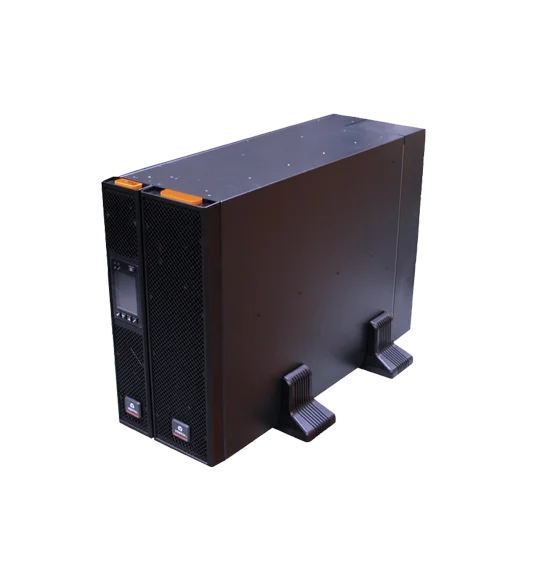
New RDU101 SNMP/webcard with advanced features
16,207.00 AED 17,060.00 AED
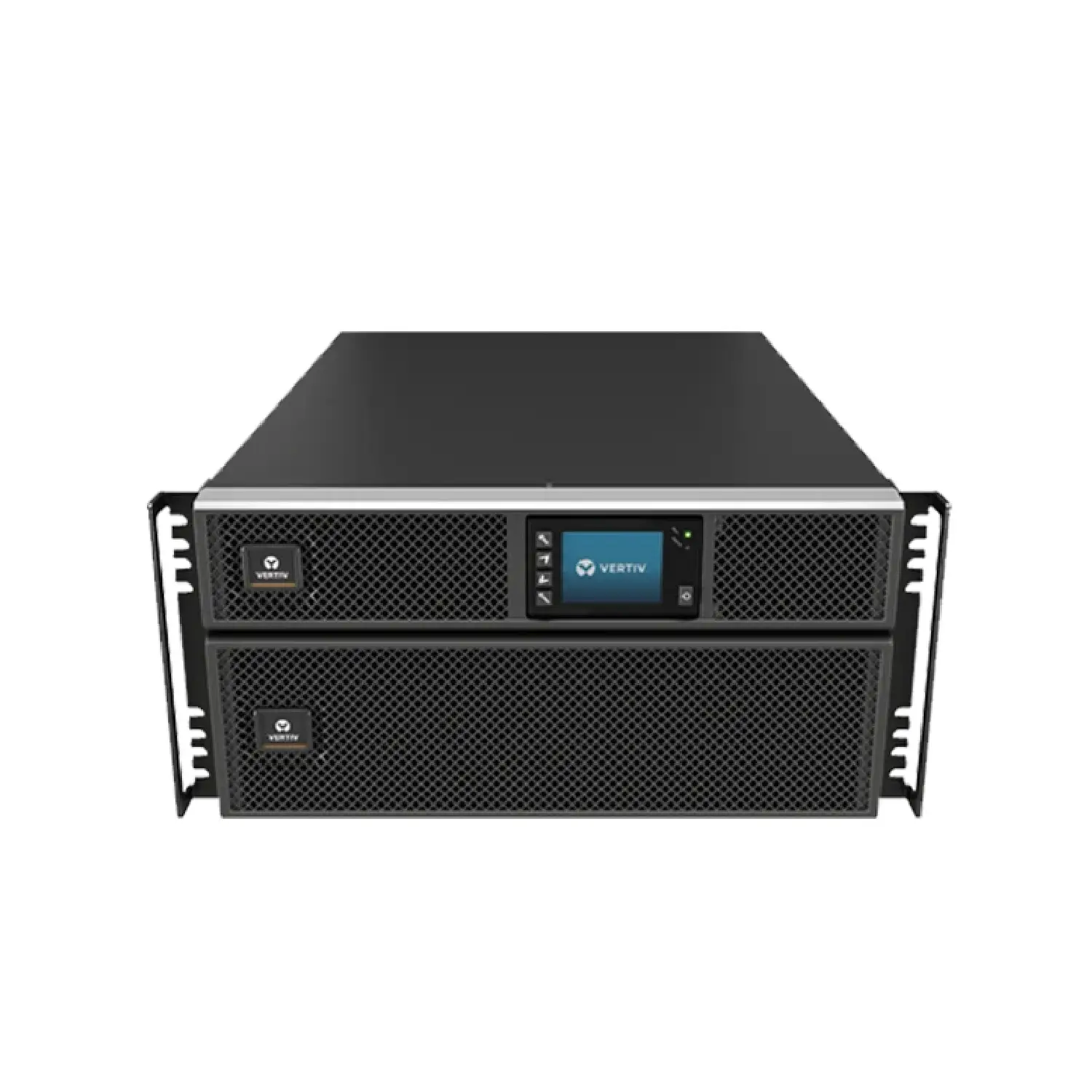
New RDU101 SNMP/webcard with advanced features
2,826.00 AED 3,140.00 AED
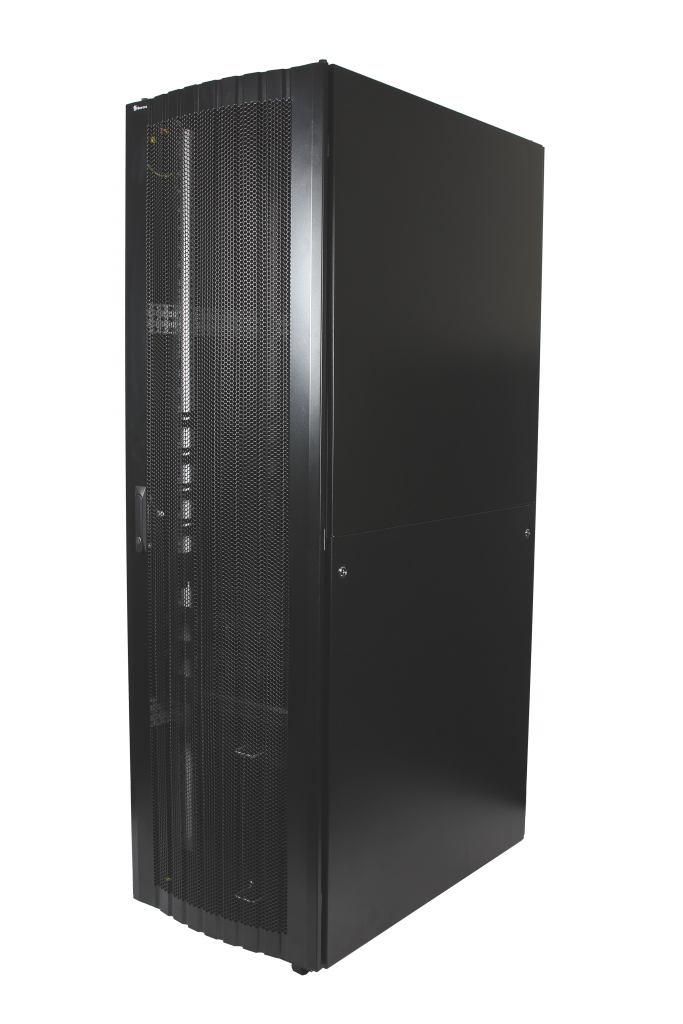
16-folded steel frame with stable structure
Contact for Price
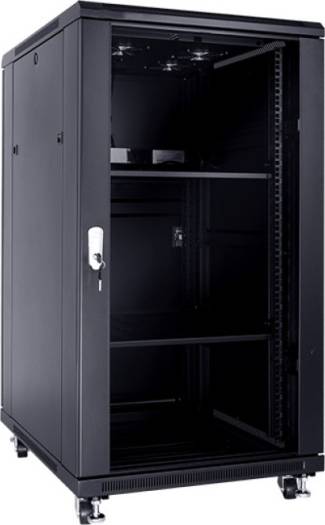
These cabinets are multi-functional cabinet enclosures designed to meet current IT market
893.03 AED 992.25 AED
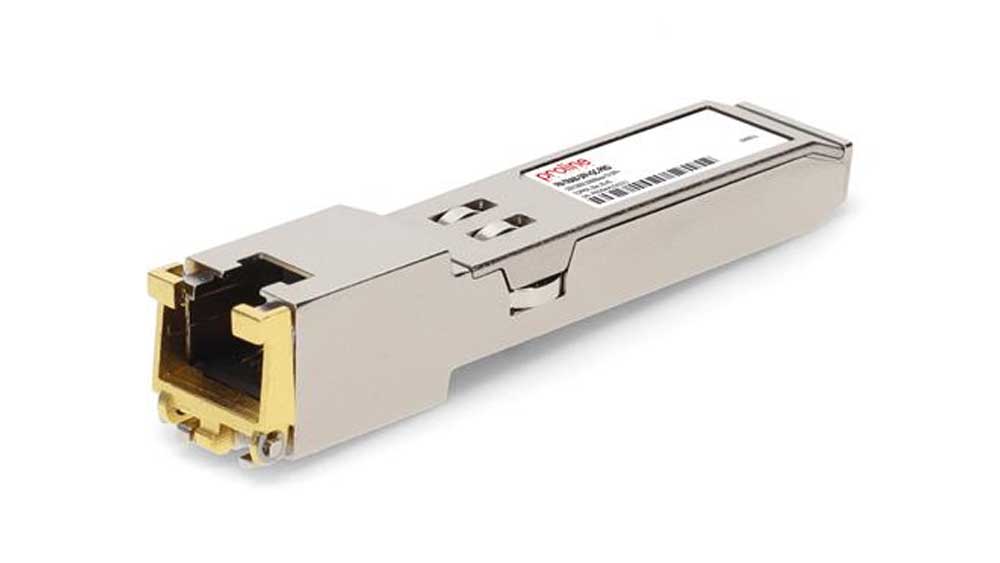
The Fortinet FR-TRAN-ZX SFP Module is a high-performance long-range fiber transceiver, designed...
Contact for Price
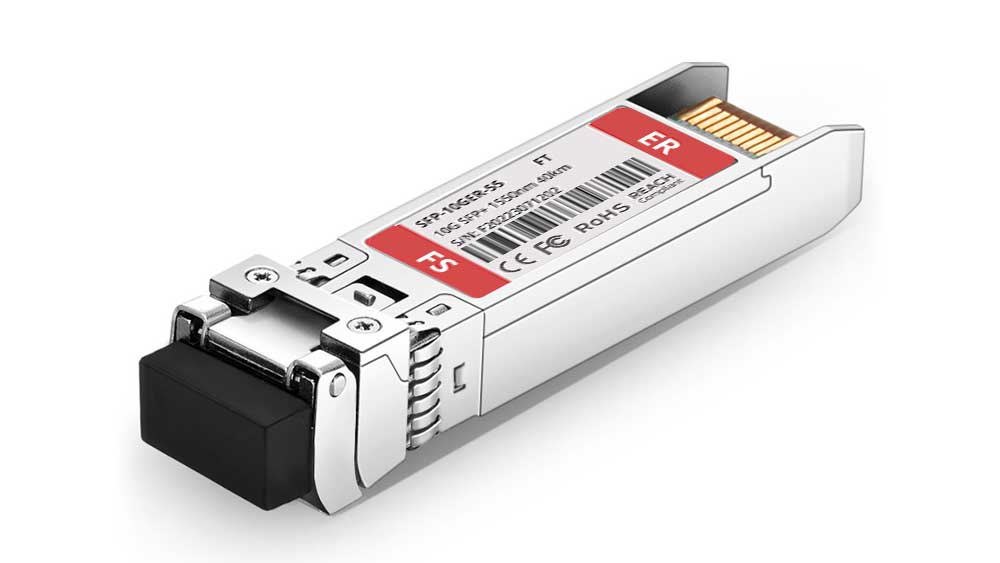
The Fortinet FN-TRAN-SFP+ER SFP+ Module is a 10Gbps long-range fiber transceiver, designed...
Contact for Price
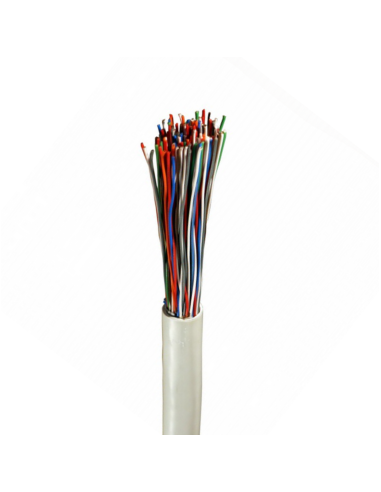
High-quality Norden 0.5mm 50 pair indoor telephone cable (CW1308 standard) designed for...
Contact for Price
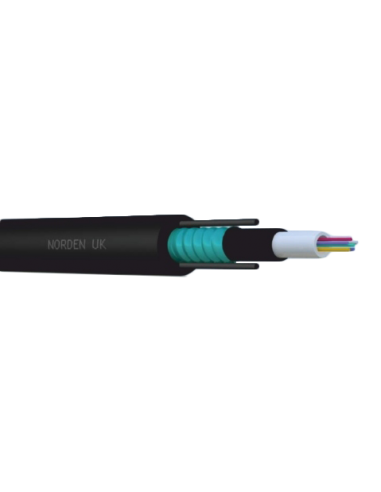
08C OM3 Central Loose Tube Armoured Outdoor Cable PE
Contact for Price

Buy Sony Wireless Noise Cancelling Headphones online in UAE from Marvis Digital....
AED 183.75 AED 257.25

Buy Nikon, Nikon DSLR Camera for Professional Photography online in UAE from...
AED 220.50 AED 330.75
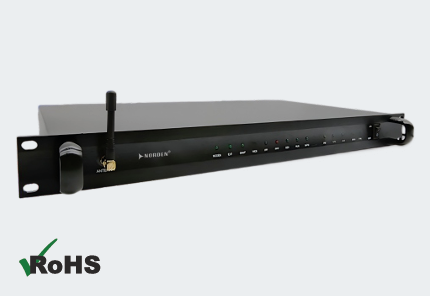
The Norden ENVSENSE II V2.0 Monitoring Host is a comprehensive monitoring solution...
Contact for Price
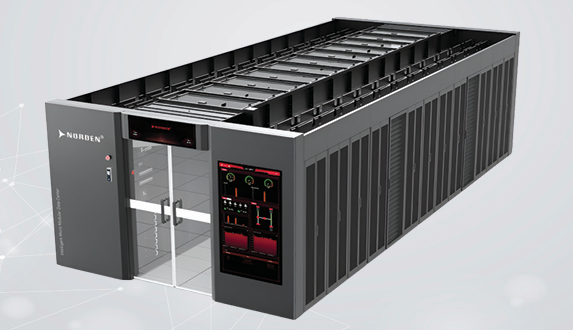
The Norden Smart Aisle Containment Cabinet is an integrated data center infrastructure...
Contact for Price
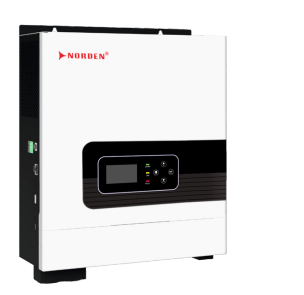
The Optimum Series 1–2.2kVA Off Grid Solar Inverter is an all-in-one solar...
Contact for Price
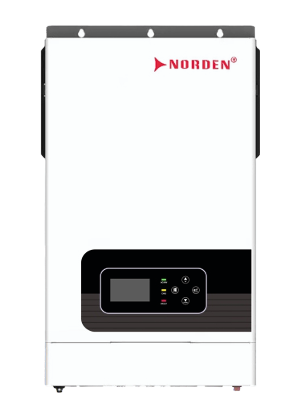
The Optimum Series 4–6.2kW Hybrid Solar Inverter is an intelligent energy management...
Contact for Price
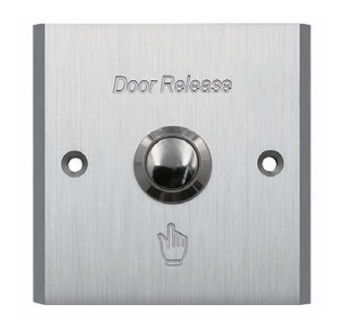
The NAC-9014AE Aluminium Exit Button is a durable stainless steel push exit...
Contact for Price
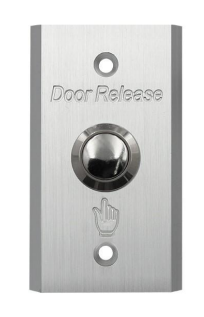
The NAC-9002AE Aluminium Exit Button is a premium stainless steel push exit...
Contact for Price
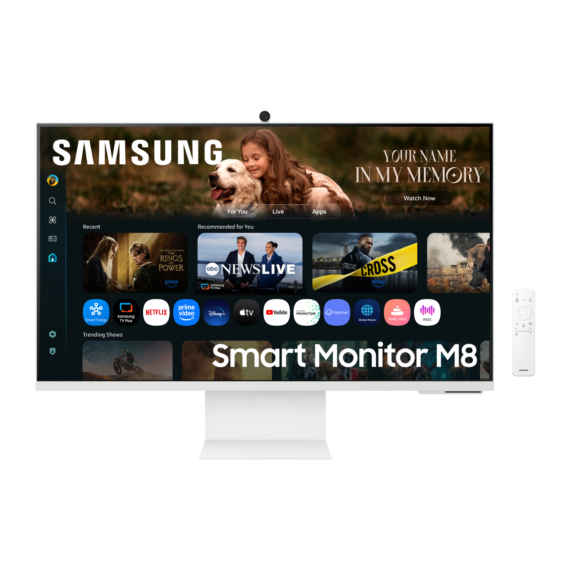
Samsung 32-inch UHD Smart Monitor with Smart TV experience, built-in camera, IoT...
Contact for Price
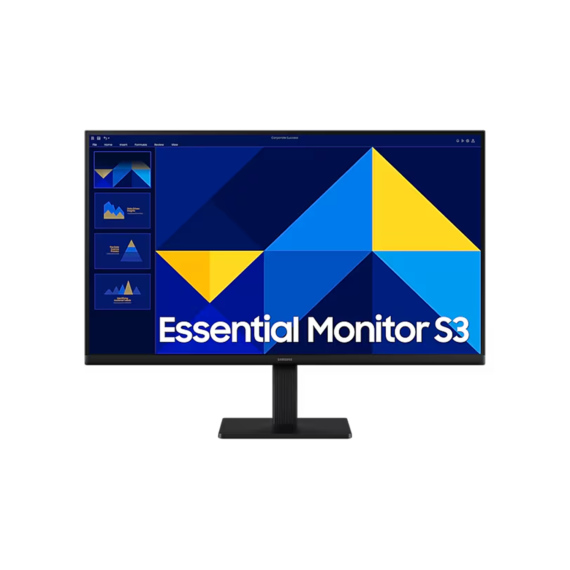
Samsung 27-inch Full HD IPS monitor with 100Hz refresh rate, Eye Saver...
Contact for Price
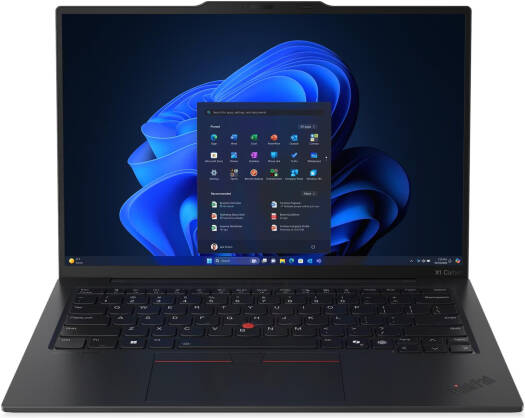
Lenovo ThinkPad X1 Carbon Gen 13 with 14-inch 2.8K OLED 120Hz display,...
6,535.99 AED 6,879.99 AED
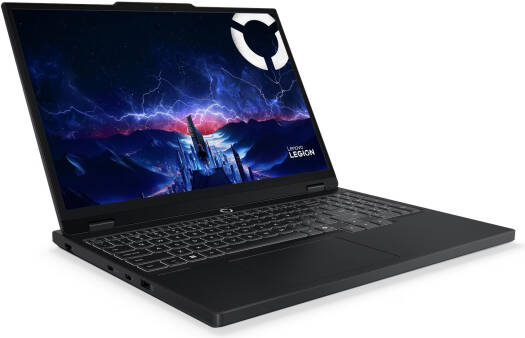
Lenovo Legion 5 gaming laptop with 15.1-inch WQXGA OLED 165Hz display, Intel...
7,314.05 AED 7,699.00 AED