November 5, 2026
A practical guide for Dubai startups planning a server room or small data centre, covering server racks, UPS systems, networking, structured cabling, cooling, security and IT infrastructure planning.
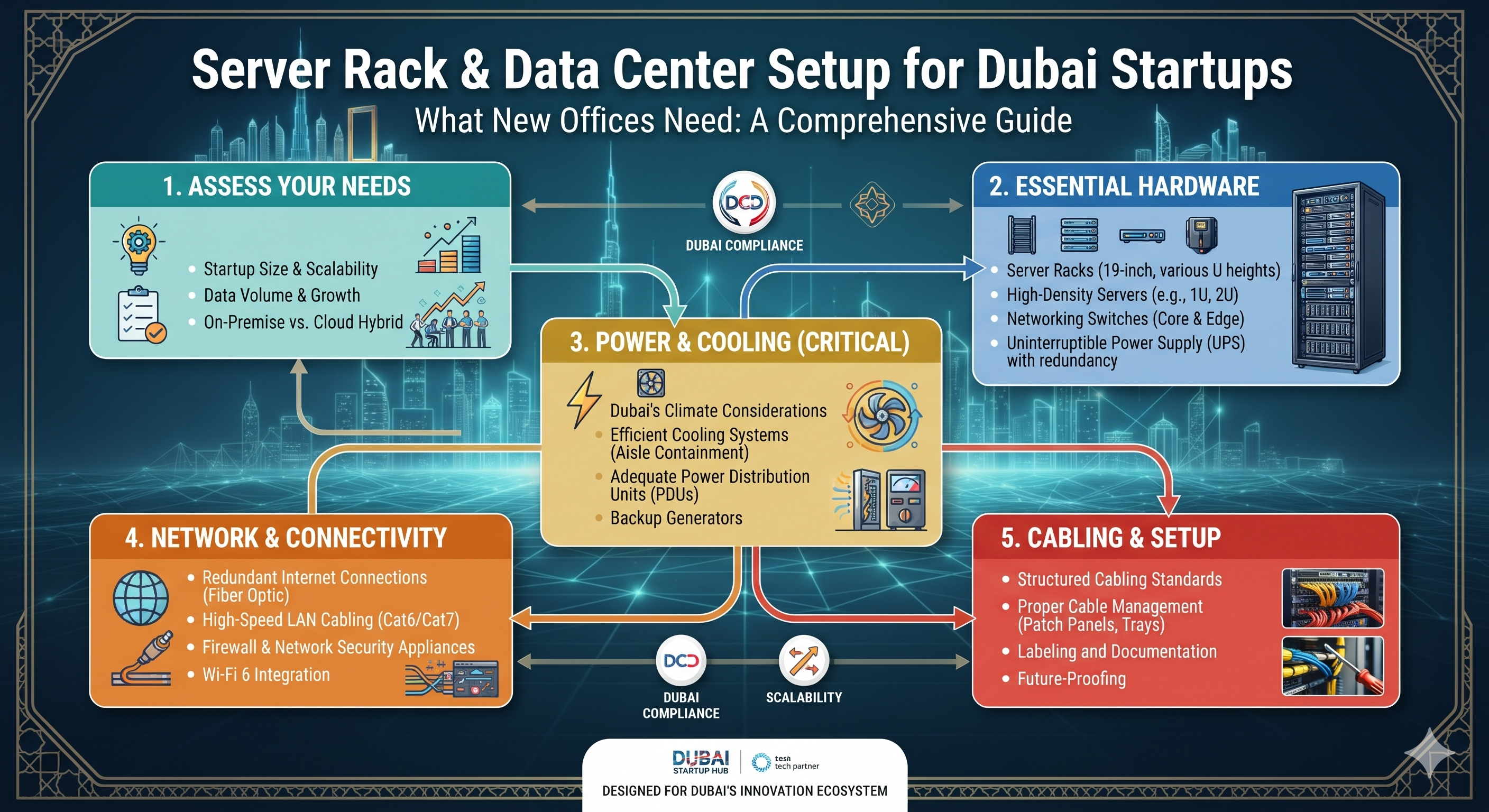
Setting up a new office in Dubai involves more than purchasing computers and connecting to the internet. Startups that depend on business applications, cloud services, internal networks, file storage and communication systems need reliable IT infrastructure from the beginning. A properly planned server rack or small server room can help organise equipment, protect critical systems and support future business growth.
Whether you are opening a technology company, consultancy, trading business or growing enterprise, understanding the basics of server rack and data centre setup can help you make better infrastructure decisions. The right combination of server cabinets, power protection, networking equipment, cooling and structured cabling creates a more manageable IT environment.
This guide explains what new offices should consider when planning a server rack and data centre setup in Dubai, including essential equipment, installation requirements and future expansion planning.
Even a small office may depend on multiple connected systems, including business applications, network storage, security cameras, access control, Wi-Fi and employee workstations. Without organised infrastructure, equipment can become difficult to manage, troubleshoot and expand.
A planned server room or dedicated server rack can help businesses:
A server rack is one of the main components of a structured IT environment. It provides a dedicated enclosure for mounting servers, switches, patch panels, UPS systems and other compatible equipment.
Before selecting a rack, consider the available office space, equipment dimensions, mounting requirements, ventilation and expected future expansion.
Server racks are commonly measured in rack units (U). One rack unit equals 1.75 inches (44.45 mm) of vertical mounting space.
Common rack heights include:
These are general examples rather than fixed rules. Check equipment dimensions, rack depth, weight capacity, available mounting space and clearance before purchasing a cabinet.
Not every startup needs a dedicated on-premises server. Some businesses operate entirely through cloud platforms, while others require local servers for applications, file storage, virtualisation, databases or specialised workloads.
If your office requires local computing infrastructure, consider the following server requirements:
Enterprise server options from manufacturers such as Dell, HPE and Lenovo may be considered depending on workload, budget and project specifications.
Startups should also decide whether rack-mounted or tower servers are more appropriate for their office.
Choose based on available space, expansion plans, cooling, noise considerations and the number of systems that need to be installed.
Power protection is essential for server rooms because unexpected power interruptions can affect applications, storage systems, network equipment and business operations.
An uninterruptible power supply (UPS) provides temporary backup power and, depending on its design, can help condition incoming electrical power. It gives IT administrators time to maintain operations or perform an orderly shutdown when required.
When choosing a UPS, consider total connected load, kVA and kW ratings, power factor, input and output voltage, battery runtime, battery replacement requirements and future expansion.
Brands such as APC and Vertiv offer power protection solutions for different IT environments. The appropriate model should be selected according to the actual equipment load and project specifications.
A server room needs reliable network connections between servers, switches, routers, storage systems and office devices. Structured cabling helps create an organised infrastructure that is easier to maintain and expand.
For new office installations, Cat6 may be suitable for many Gigabit Ethernet connections, while Cat6A can be considered for 10 Gigabit Ethernet structured cabling. The final choice should follow the network design, distance and performance requirements.
Servers, switches and UPS systems generate heat during operation. If heat is not managed properly, equipment temperatures can rise and affect reliability, performance and component lifespan.
Dubai's hot climate makes cooling and ventilation planning particularly important for office server rooms. The required cooling capacity should be based on the heat load of the installed equipment, room conditions and expected expansion.
Important cooling considerations include:
Small office server cabinets and larger data centre rooms may have very different cooling requirements. Avoid choosing an air-conditioning unit based only on room size without evaluating equipment heat output.
Server rooms contain business-critical equipment and data. Physical access should therefore be controlled according to the organisation's security requirements.
Startups can consider:
Security arrangements should be designed around the office layout, risk level and applicable building or project requirements.
Unorganised power and network cables can make maintenance difficult and obstruct airflow. Proper cable management helps keep server racks accessible and improves visibility when troubleshooting connections.
Useful accessories include:
Keep power and data cabling organised according to the installation design. Check the electrical load, PDU ratings, circuit capacity and grounding requirements before connecting equipment.
A server room setup should include a strategy for protecting business data. Hardware redundancy alone does not replace a backup plan. Startups should decide how important files, databases, application data and configuration records will be backed up and recovered.
Consider the following:
Use a documented backup schedule and periodically test recovery procedures. The backup strategy should reflect the business's recovery time and recovery point requirements.
Before purchasing equipment, prepare a list based on the number of employees, applications, network devices and expected growth.
Not every startup needs every item. A small office using cloud-hosted applications may need only a network cabinet, switches, firewall, UPS and structured cabling, while a business running local applications may require additional server and storage infrastructure.
Before purchasing equipment or beginning installation, review the following practical considerations:
Marvis Digital supports IT infrastructure procurement enquiries for businesses and project teams across the UAE. Startups planning a new office network or server room can enquire about server racks, network cabinets, UPS systems, servers, networking equipment, structured cabling and related IT accessories.
Whether you need a compact network cabinet for a small office or equipment for a growing server room, share your requirements to discuss suitable product options.
For a more accurate quotation, provide:
Planning a server room or data centre setup in Dubai? Contact Marvis Digital to discuss your server rack, UPS and IT infrastructure requirements.
A basic setup may include a network rack or cabinet, network switch, router, firewall, UPS, structured cabling and suitable cooling. Businesses that require local computing may also need servers and storage systems.
A smaller wall-mounted cabinet or floor-standing rack may be sufficient for a small office, depending on the number and dimensions of installed devices. Calculate rack units, depth, weight capacity and future expansion before selecting a model.
No. Many startups use cloud services and need only a small network cabinet or equipment room. A dedicated server room becomes more relevant when the business operates local servers, storage, virtualisation or other critical infrastructure.
A UPS provides temporary backup power during interruptions and may help protect connected equipment from certain power disturbances. Its capacity and runtime should be selected according to the connected load and shutdown requirements.
Cooling should be designed according to the equipment heat load, room conditions and airflow arrangement. Temperature monitoring and suitable ventilation or dedicated cooling can help maintain appropriate operating conditions.
A server rack is commonly used to mount servers and other rack-compatible IT equipment. A network cabinet often houses switches, patch panels and connectivity equipment, although the terms can overlap depending on cabinet design and application.
Businesses can contact Marvis Digital to enquire about server racks, UPS systems, servers, networking products, structured cabling and related IT infrastructure equipment. Share your project specifications and quantities to discuss product options and quotation requirements.
A well-planned server rack and data centre setup can give Dubai startups a reliable foundation for daily IT operations and future business growth. By considering rack capacity, server requirements, UPS protection, networking, cooling, security and data backup from the beginning, businesses can build infrastructure that is easier to manage and expand.
Whether you are setting up a compact office network or planning a dedicated server room, choosing compatible equipment and planning for future requirements are essential steps. Contact Marvis Digital with your IT infrastructure requirements to discuss suitable server racks, UPS systems and networking products for your UAE project.

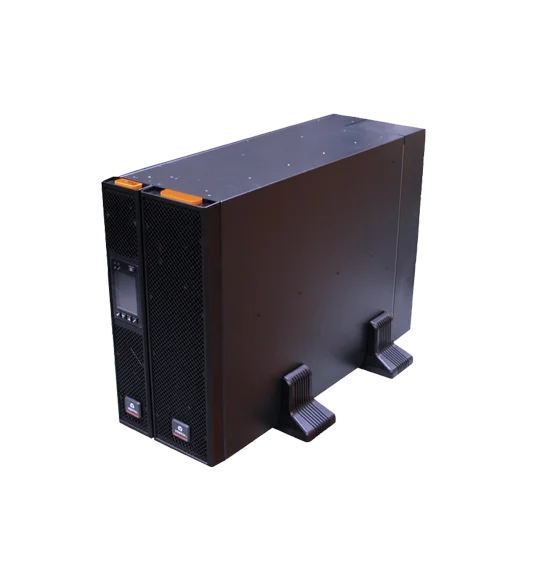
New RDU101 SNMP/webcard with advanced features
16,207.00 AED 17,060.00 AED
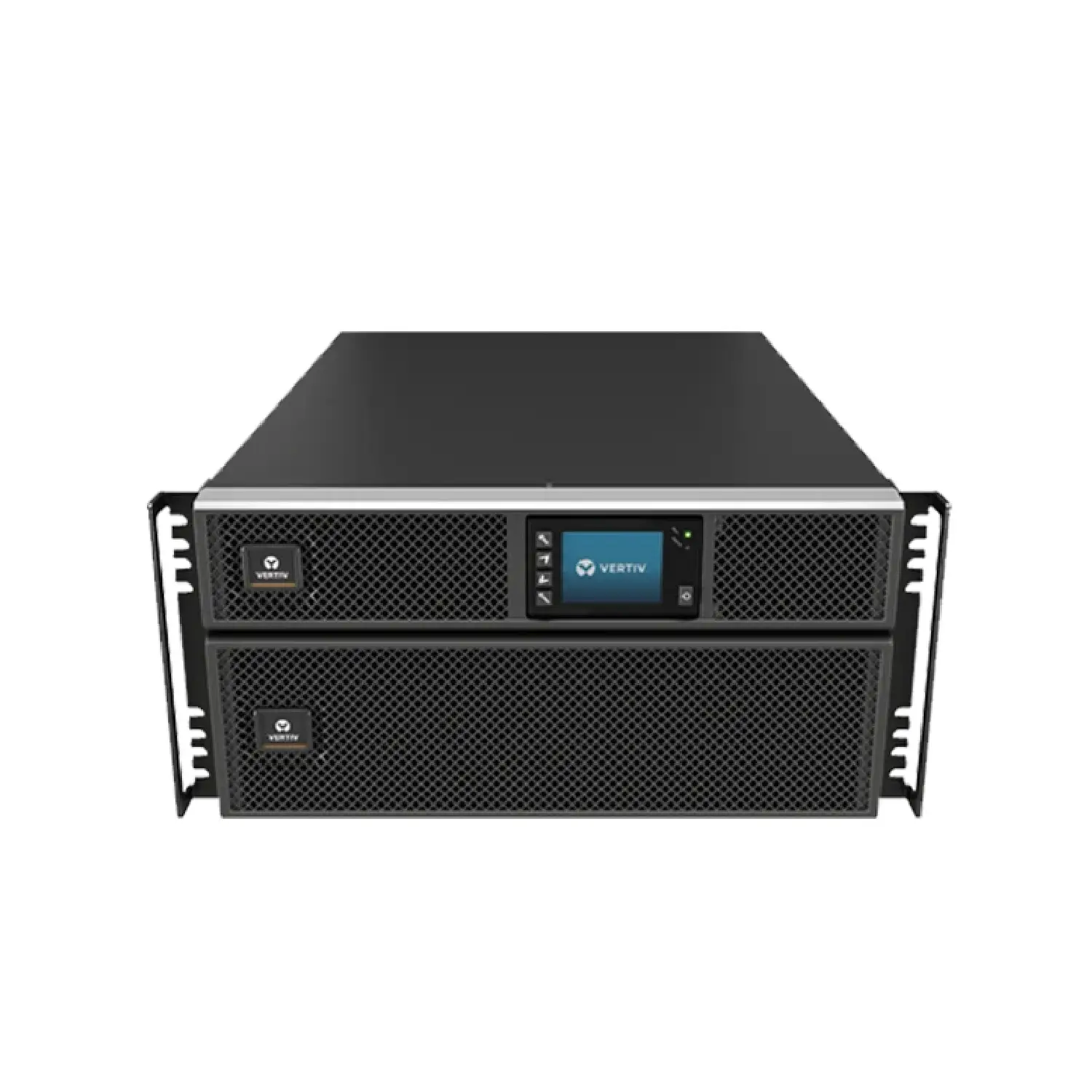
New RDU101 SNMP/webcard with advanced features
2,826.00 AED 3,140.00 AED
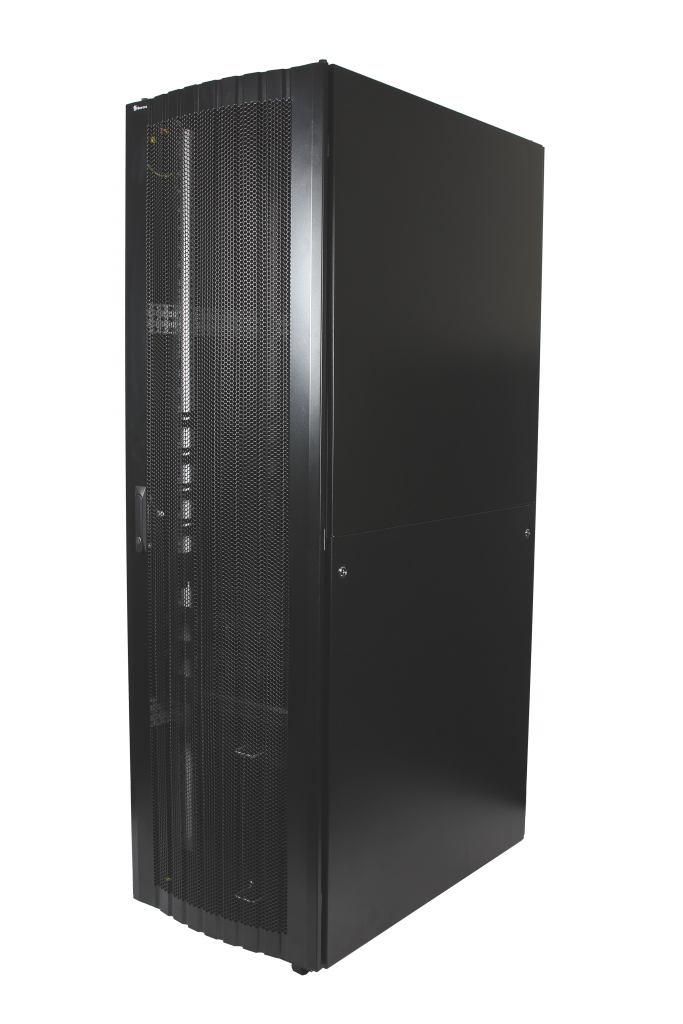
16-folded steel frame with stable structure
Contact for Price
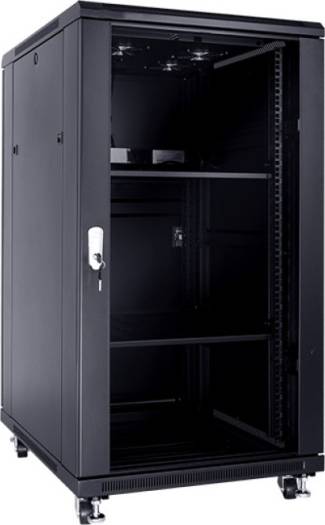
These cabinets are multi-functional cabinet enclosures designed to meet current IT market
893.03 AED 992.25 AED
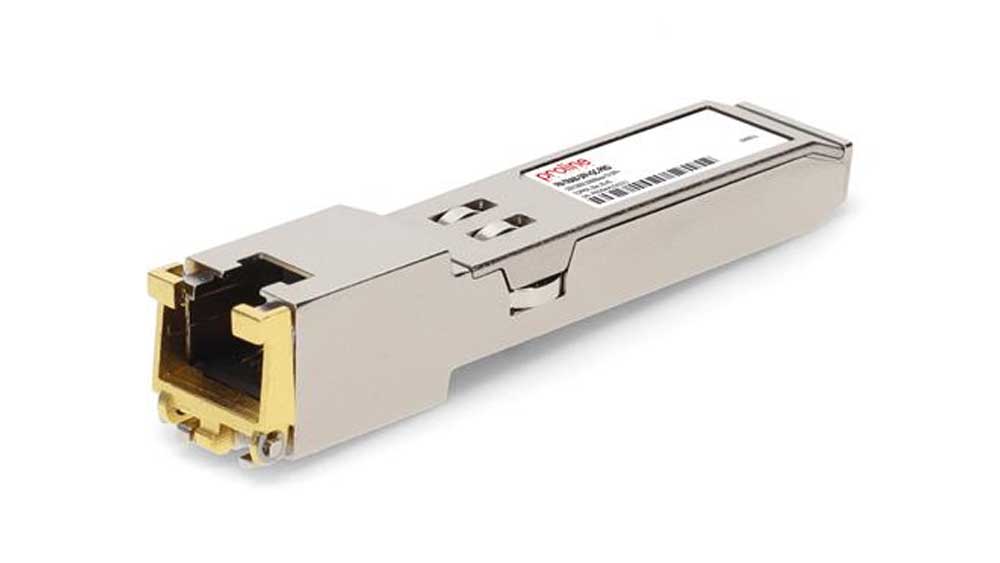
The Fortinet FR-TRAN-ZX SFP Module is a high-performance long-range fiber transceiver, designed...
Contact for Price
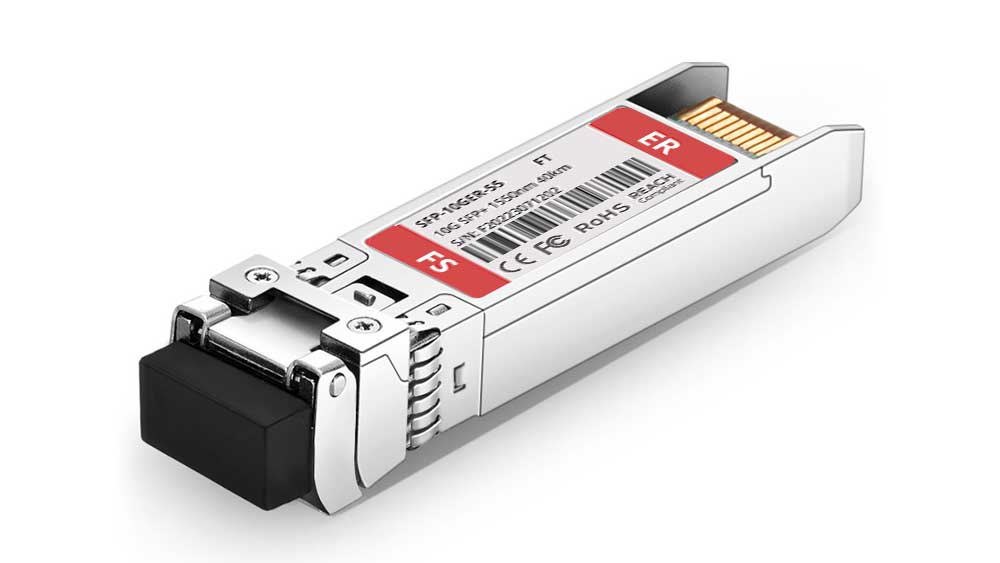
The Fortinet FN-TRAN-SFP+ER SFP+ Module is a 10Gbps long-range fiber transceiver, designed...
Contact for Price
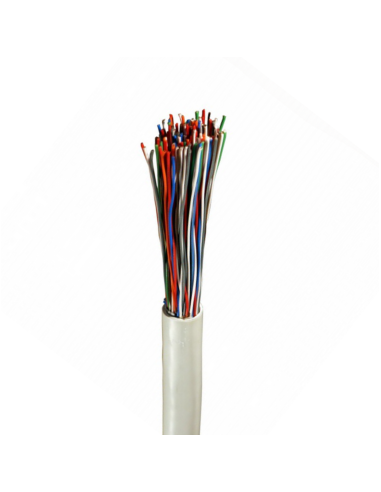
High-quality Norden 0.5mm 50 pair indoor telephone cable (CW1308 standard) designed for...
Contact for Price
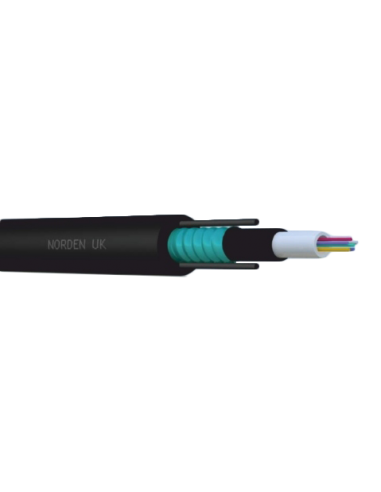
08C OM3 Central Loose Tube Armoured Outdoor Cable PE
Contact for Price

Buy Sony Wireless Noise Cancelling Headphones online in UAE from Marvis Digital....
AED 183.75 AED 257.25

Buy Nikon, Nikon DSLR Camera for Professional Photography online in UAE from...
AED 220.50 AED 330.75
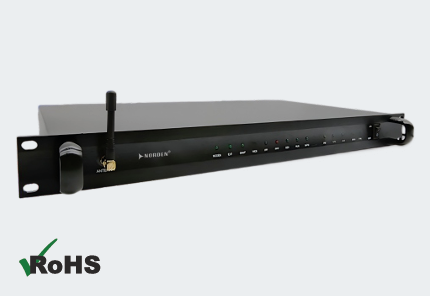
The Norden ENVSENSE II V2.0 Monitoring Host is a comprehensive monitoring solution...
Contact for Price
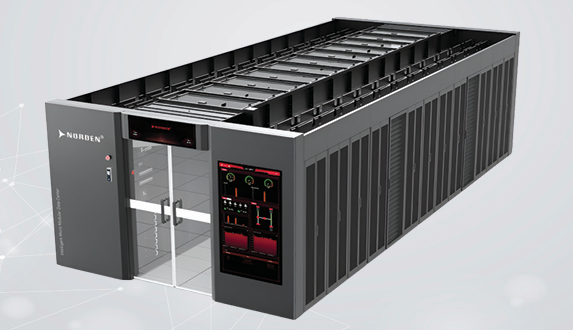
The Norden Smart Aisle Containment Cabinet is an integrated data center infrastructure...
Contact for Price
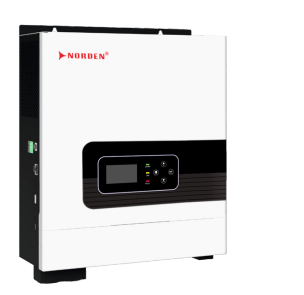
The Optimum Series 1–2.2kVA Off Grid Solar Inverter is an all-in-one solar...
Contact for Price
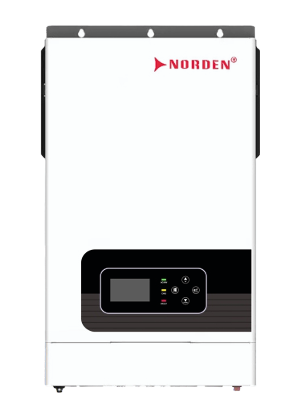
The Optimum Series 4–6.2kW Hybrid Solar Inverter is an intelligent energy management...
Contact for Price
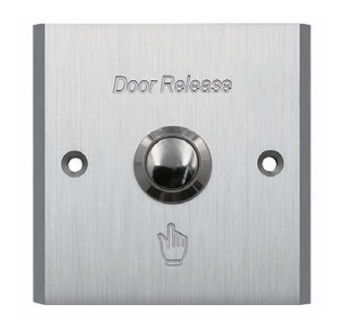
The NAC-9014AE Aluminium Exit Button is a durable stainless steel push exit...
Contact for Price
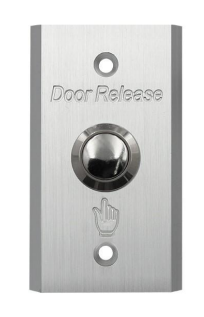
The NAC-9002AE Aluminium Exit Button is a premium stainless steel push exit...
Contact for Price

Samsung 32-inch UHD Smart Monitor with Smart TV experience, built-in camera, IoT...
Contact for Price
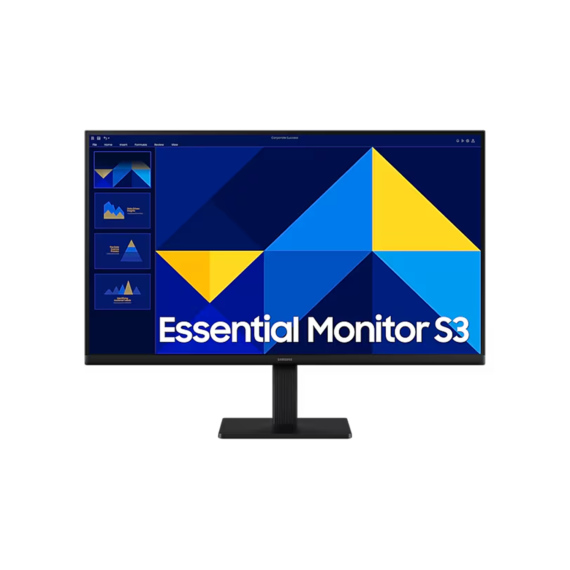
Samsung 27-inch Full HD IPS monitor with 100Hz refresh rate, Eye Saver...
Contact for Price
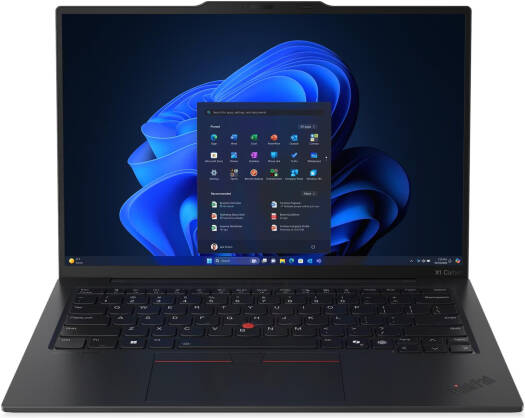
Lenovo ThinkPad X1 Carbon Gen 13 with 14-inch 2.8K OLED 120Hz display,...
6,535.99 AED 6,879.99 AED
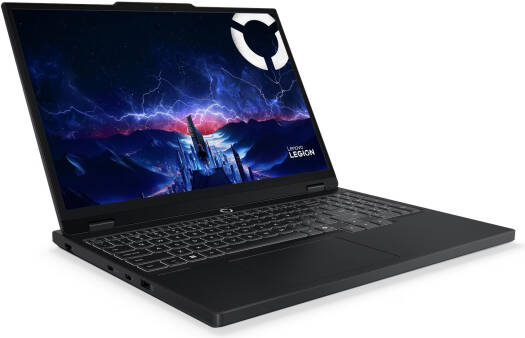
Lenovo Legion 5 gaming laptop with 15.1-inch WQXGA OLED 165Hz display, Intel...
7,314.05 AED 7,699.00 AED