November 12, 2026
Plan a smooth office relocation in the UAE with a practical IT checklist covering network equipment, structured cabling, UPS systems, server racks, equipment transportation, installation and post-move testing.
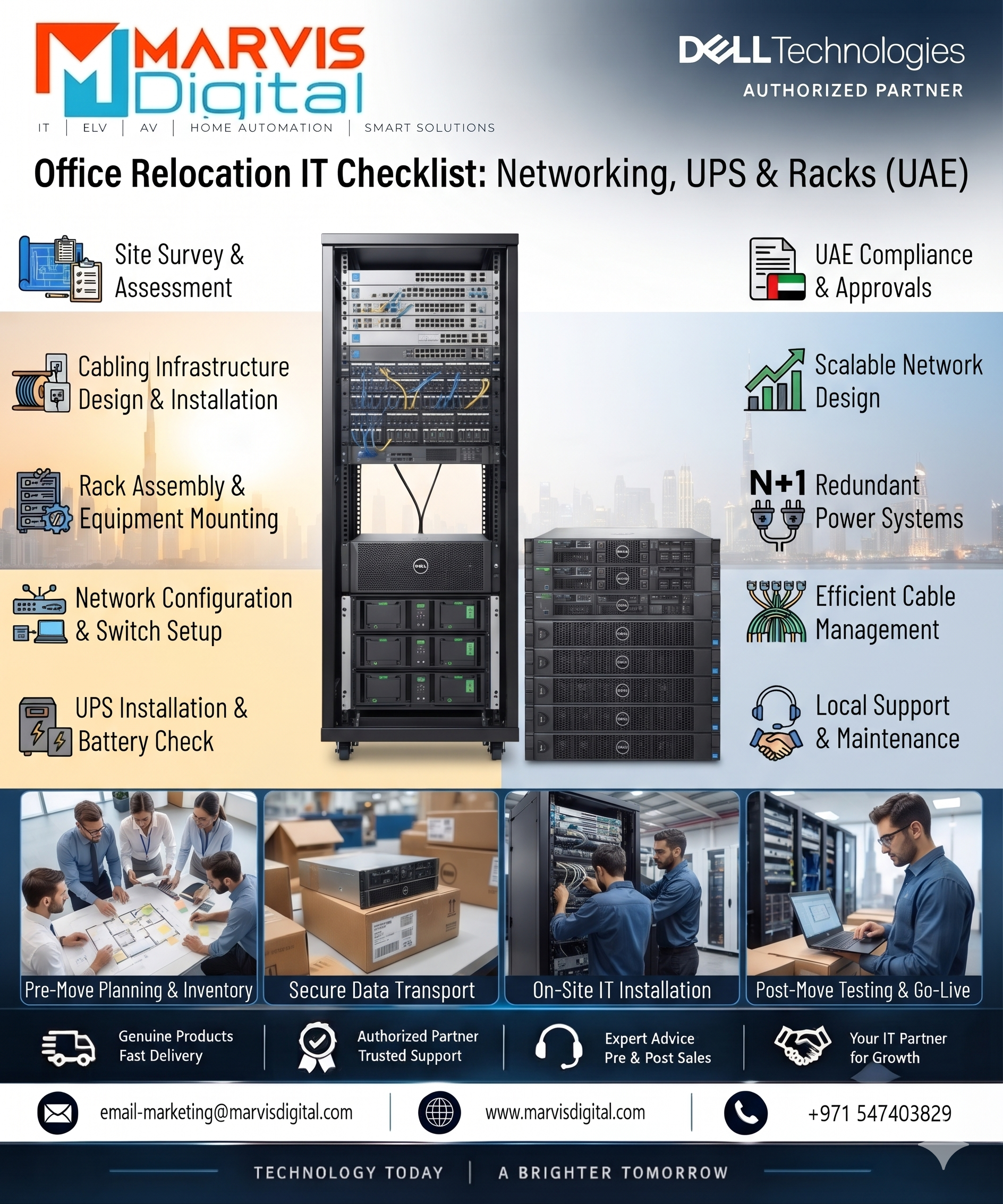
Relocating an office involves much more than moving desks, computers, and furniture. Businesses also need to transfer their IT infrastructure, restore network connectivity, protect critical equipment, and ensure employees can resume work without unnecessary delays.
For companies moving within Dubai or to another location in the UAE, a poorly planned IT relocation can lead to network downtime, damaged equipment, missing connections, and unexpected installation costs. Servers, switches, routers, UPS systems, storage devices, and structured cabling all require careful planning before the move.
This office relocation IT checklist explains what businesses should prepare before, during, and after an office move, with a focus on networking, UPS power protection, and server racks.
Modern offices depend on connected systems for communication, data access, security, cloud applications, printing, and daily operations. Moving these systems without a documented plan can create problems that continue even after employees have settled into the new premises.
A structured IT relocation plan helps businesses:
Before disconnecting any equipment, prepare a complete inventory of the existing office IT infrastructure. This gives the relocation team a clear understanding of what needs to be moved, replaced, upgraded, or installed at the new location.
Record the brand, model number, serial number, physical location, power requirements, network connections, and current condition of each important device.
| Equipment | Details to Record | Relocation Consideration |
|---|---|---|
| Servers | Model, configuration, serial number, storage and network connections | Data backup, shutdown and secure transport |
| Network Switches | Port count, VLANs, uplinks and configuration | Port mapping and configuration backup |
| Routers and Firewalls | WAN details, LAN configuration and security policies | Internet connectivity and configuration restoration |
| UPS Systems | Model, capacity, battery condition and connections | Load assessment and safe transportation |
| Server Racks | Dimensions, rack units, depth and installed equipment | Floor space, loading and ventilation |
| Structured Cabling | Cable category, termination points and labels | New outlet locations and cable testing |
Network connectivity should be planned before employees and IT equipment move into the new premises. The new office may have a different floor plan, number of workstations, network outlet locations, and internet service arrangement.
Structured cabling connects workstations, access points, IP phones, printers, servers, and network devices. A new office layout may require additional network outlets or different cable routes.
Consider the following cable types and components:
Check whether the existing network switches and routers can support the new office layout. Consider the number of wired devices, uplink requirements, PoE needs, VLANs, and available ports.
For example, a business adding wireless access points, IP phones, and CCTV cameras may need more PoE switch capacity than its previous office required.
Power protection is an important part of office relocation, particularly when the new premises contain servers, network equipment, storage devices, and other critical IT systems.
A UPS provides temporary backup power and, depending on its design, helps protect connected equipment against common electrical disturbances. However, the existing UPS should not automatically be assumed suitable for the new office.
Review the total connected load before deciding whether to reuse the current UPS or purchase a different model.
Different IT environments may require different UPS technologies and capacities.
For a server room or critical network installation, an online UPS may be appropriate where continuous output conditioning is required. The final selection should be based on the equipment load and technical requirements.
Before installing the UPS, confirm that the new office has suitable electrical infrastructure.
A server rack helps organise servers, switches, patch panels, UPS equipment, and related infrastructure. During an office move, businesses should check whether the existing rack can accommodate the new layout and equipment requirements.
Review the following details before relocating or purchasing a server rack:
Plan the equipment layout before moving devices into the rack. Consider equipment weight, manufacturer installation instructions, cable routing, airflow, and service access.
Common rack components include:
Moving physical servers without preparing data and configuration backups can create unnecessary operational risk. Before shutting down systems, identify which applications, databases, and services must be available at the new location.
A phased approach makes it easier to coordinate the IT team, facilities team, moving company, and equipment suppliers.
| Stage | Key Tasks | Expected Outcome |
|---|---|---|
| Before Relocation | IT audit, network planning, backups, UPS assessment, rack planning and ISP coordination | Documented relocation plan |
| Moving Day | Controlled shutdown, equipment labelling, secure transport and receiving checks | Equipment moved and accounted for |
| Installation | Rack setup, cabling, UPS installation, network connections and server placement | Infrastructure physically installed |
| Testing | Network checks, UPS tests, application validation and user access checks | Core IT services verified |
| Post-Move | Monitoring, issue resolution, documentation updates and inventory reconciliation | Stable operational environment |
Even a well-organised office move can create IT problems if key infrastructure details are overlooked.
An office relocation may also be an opportunity to review outdated infrastructure or add equipment required by the new workspace.
| Category | Equipment to Consider | Purpose |
|---|---|---|
| Networking | Switches, routers, firewalls and access points | Network connectivity and access management |
| Structured Cabling | Cat6/Cat6A cables, fibre, patch panels and patch cords | Organised wired connectivity |
| Power Protection | Online UPS, line-interactive UPS and compatible battery accessories | Backup power and equipment protection |
| Server Room | Rack cabinets, shelves, rails and PDUs | Equipment organisation and power distribution |
| Computing | Rack servers, tower servers and workstations | Business applications and data processing |
| Storage | NAS and compatible storage systems | Centralised data storage and access |
Use this checklist to review the most important tasks before reopening the new office.
Preparing a new office or upgrading an existing workspace may require additional networking products, UPS systems, server racks, structured cabling, and IT hardware.
Marvis Digital supports product enquiries for business IT infrastructure and equipment in Dubai and across the UAE. Whether your organisation is planning an office move, building a new server room, or replacing existing network and power-protection equipment, selecting compatible products is an important part of the preparation process.
Share your equipment list, technical requirements, and quantities to enquire about suitable products for your relocation project.
Explore our IT product categories, including UPS solutions, and contact our team for product enquiries.
Discuss your office IT equipment requirements: Contact Marvis Digital on WhatsApp.
An office relocation IT checklist should include equipment inventory, network planning, structured cabling, UPS assessment, server rack preparation, data backups, equipment transportation, installation, and post-move testing.
Ideally, essential network infrastructure should be installed and tested before employees arrive. This allows the IT team to verify internet access, Wi-Fi, network outlets, and critical services in advance.
Not necessarily. The existing UPS may be suitable if its capacity, battery condition, electrical requirements, and installation arrangements match the new site. A load assessment should be completed before deciding whether to reuse or replace it.
Check rack dimensions, weight, installed equipment, floor loading, available space, cable connections, ventilation, and access requirements. Equipment should be handled according to the manufacturer's transportation instructions.
Cat6 and Cat6A are common choices for structured Ethernet cabling, while fibre optic cables may be used for backbone and suitable uplink connections. The correct choice depends on bandwidth, distance, environment, and network design.
Complete an infrastructure audit, verify backups, coordinate ISP arrangements, label equipment and cables, prepare the new network, and test critical services before employees resume normal operations.
Yes. The new office may have different equipment, electrical connections, and backup requirements. Calculate the connected load and confirm the UPS kW and kVA ratings before installation.
Depending on the requirements, a server room may need rack cabinets, servers, switches, routers, firewalls, patch panels, structured cabling, UPS systems, PDUs, and suitable storage equipment.
A successful office relocation requires careful IT planning before equipment is disconnected and moved. Networking, UPS systems, server racks, structured cabling, and data backups all play an important role in restoring business operations at the new location.
For businesses relocating within Dubai or elsewhere in the UAE, a documented checklist helps identify infrastructure requirements, reduce avoidable delays, and prepare the new office for a smoother transition.
By auditing existing equipment, checking power and network requirements, planning rack installations, and testing every critical system after the move, organisations can establish a more organised and dependable IT environment.

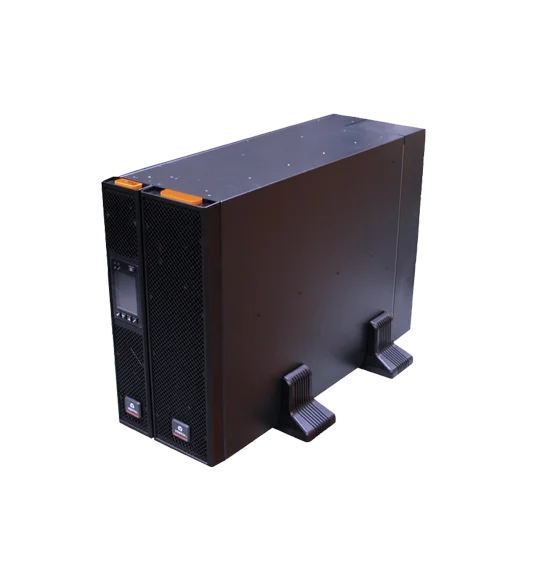
New RDU101 SNMP/webcard with advanced features
16,207.00 AED 17,060.00 AED
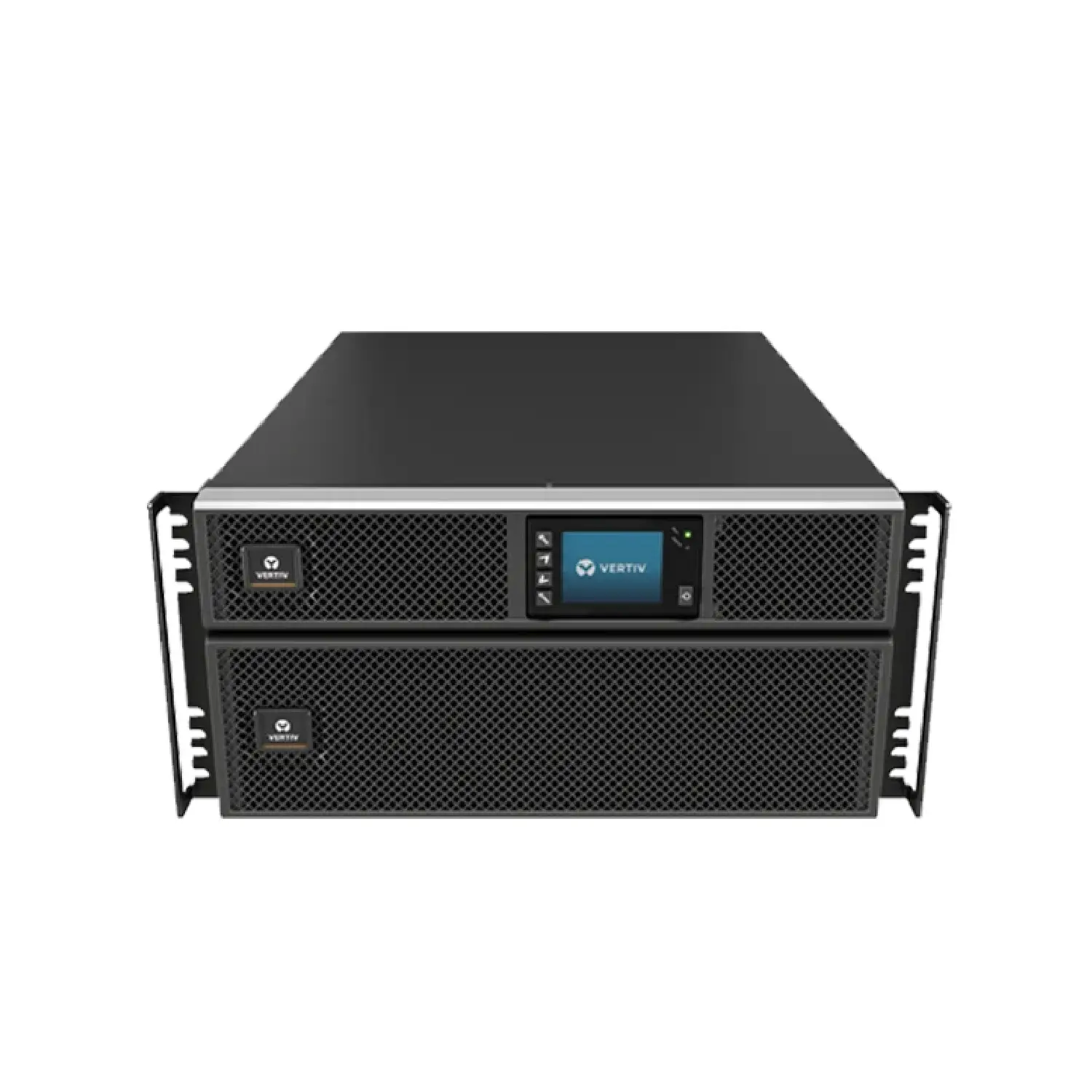
New RDU101 SNMP/webcard with advanced features
2,826.00 AED 3,140.00 AED
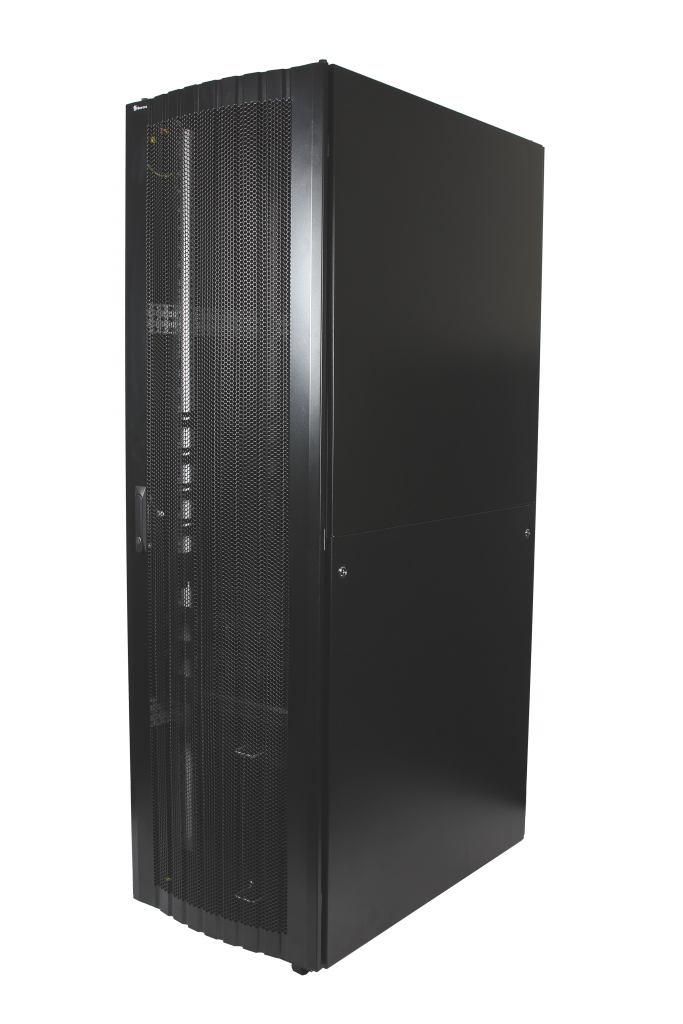
16-folded steel frame with stable structure
Contact for Price
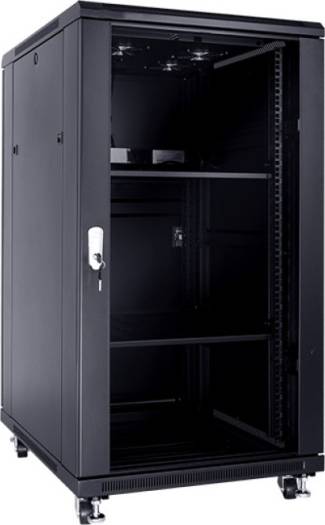
These cabinets are multi-functional cabinet enclosures designed to meet current IT market
893.03 AED 992.25 AED
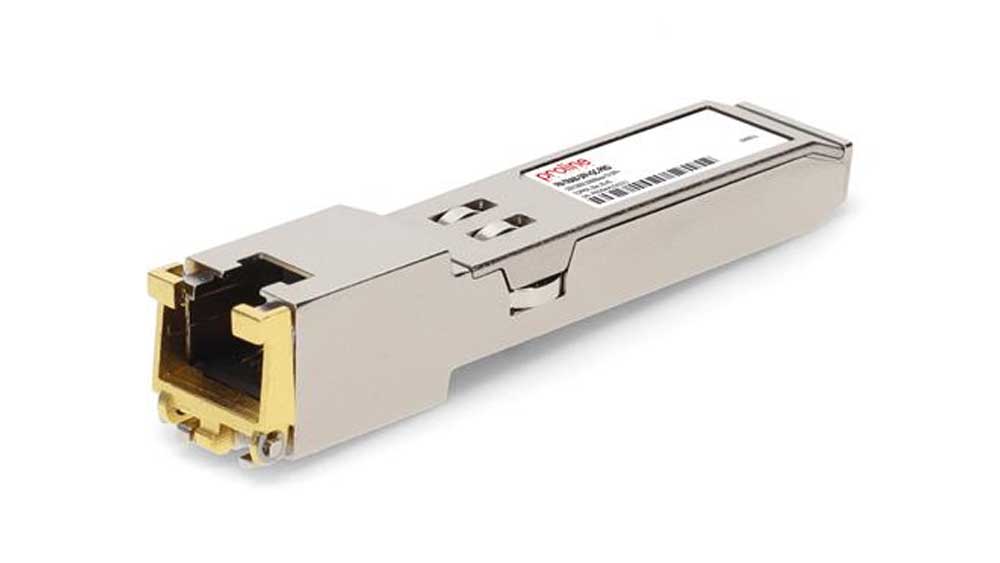
The Fortinet FR-TRAN-ZX SFP Module is a high-performance long-range fiber transceiver, designed...
Contact for Price
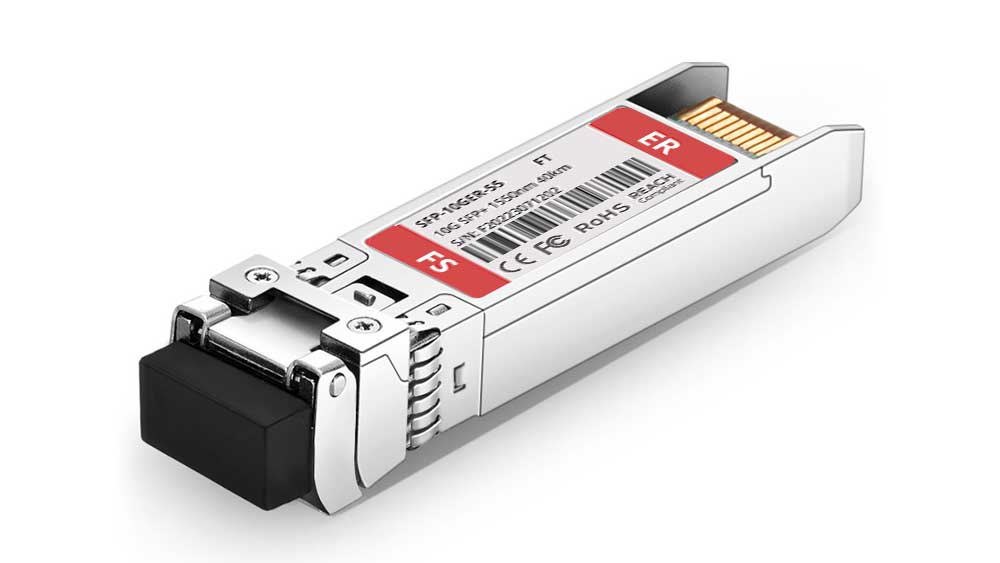
The Fortinet FN-TRAN-SFP+ER SFP+ Module is a 10Gbps long-range fiber transceiver, designed...
Contact for Price
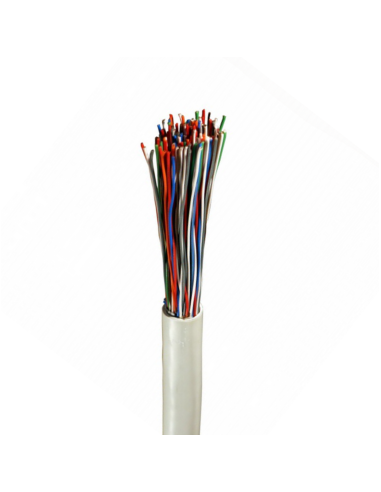
High-quality Norden 0.5mm 50 pair indoor telephone cable (CW1308 standard) designed for...
Contact for Price
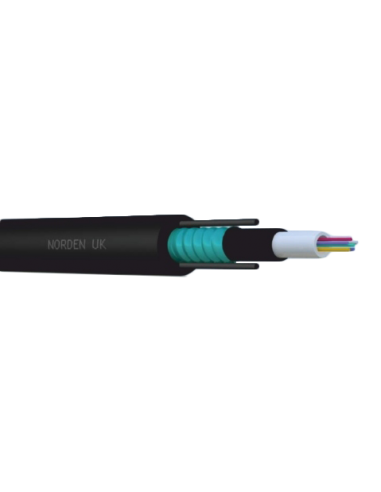
08C OM3 Central Loose Tube Armoured Outdoor Cable PE
Contact for Price

Buy Sony Wireless Noise Cancelling Headphones online in UAE from Marvis Digital....
AED 183.75 AED 257.25

Buy Nikon, Nikon DSLR Camera for Professional Photography online in UAE from...
AED 220.50 AED 330.75
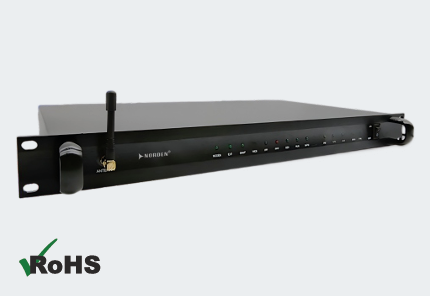
The Norden ENVSENSE II V2.0 Monitoring Host is a comprehensive monitoring solution...
Contact for Price
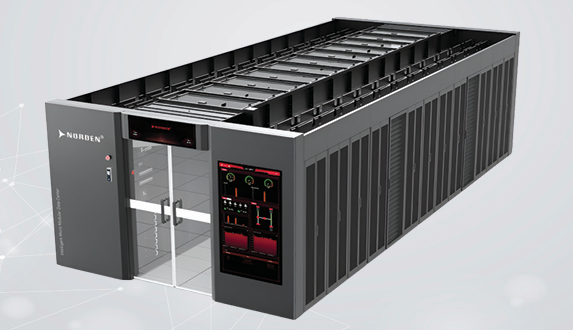
The Norden Smart Aisle Containment Cabinet is an integrated data center infrastructure...
Contact for Price
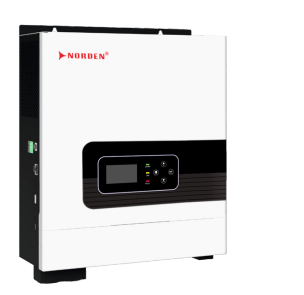
The Optimum Series 1–2.2kVA Off Grid Solar Inverter is an all-in-one solar...
Contact for Price
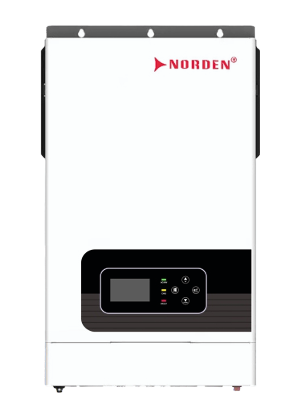
The Optimum Series 4–6.2kW Hybrid Solar Inverter is an intelligent energy management...
Contact for Price

The NAC-9014AE Aluminium Exit Button is a durable stainless steel push exit...
Contact for Price

The NAC-9002AE Aluminium Exit Button is a premium stainless steel push exit...
Contact for Price

Samsung 32-inch UHD Smart Monitor with Smart TV experience, built-in camera, IoT...
Contact for Price
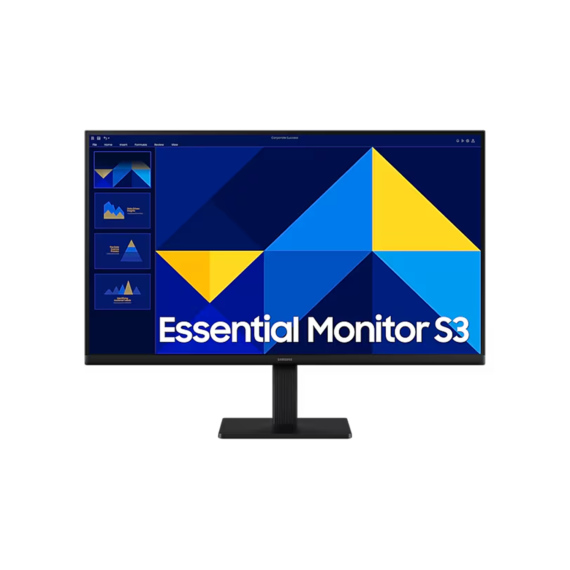
Samsung 27-inch Full HD IPS monitor with 100Hz refresh rate, Eye Saver...
Contact for Price

Lenovo ThinkPad X1 Carbon Gen 13 with 14-inch 2.8K OLED 120Hz display,...
6,535.99 AED 6,879.99 AED
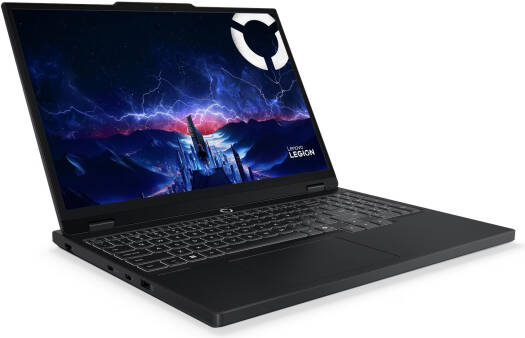
Lenovo Legion 5 gaming laptop with 15.1-inch WQXGA OLED 165Hz display, Intel...
7,314.05 AED 7,699.00 AED