November 9, 2026
Learn how to calculate the total power load before buying a UPS. Understand watts, VA, power factor, load capacity, runtime and UPS sizing for offices, servers and commercial IT systems in the UAE.
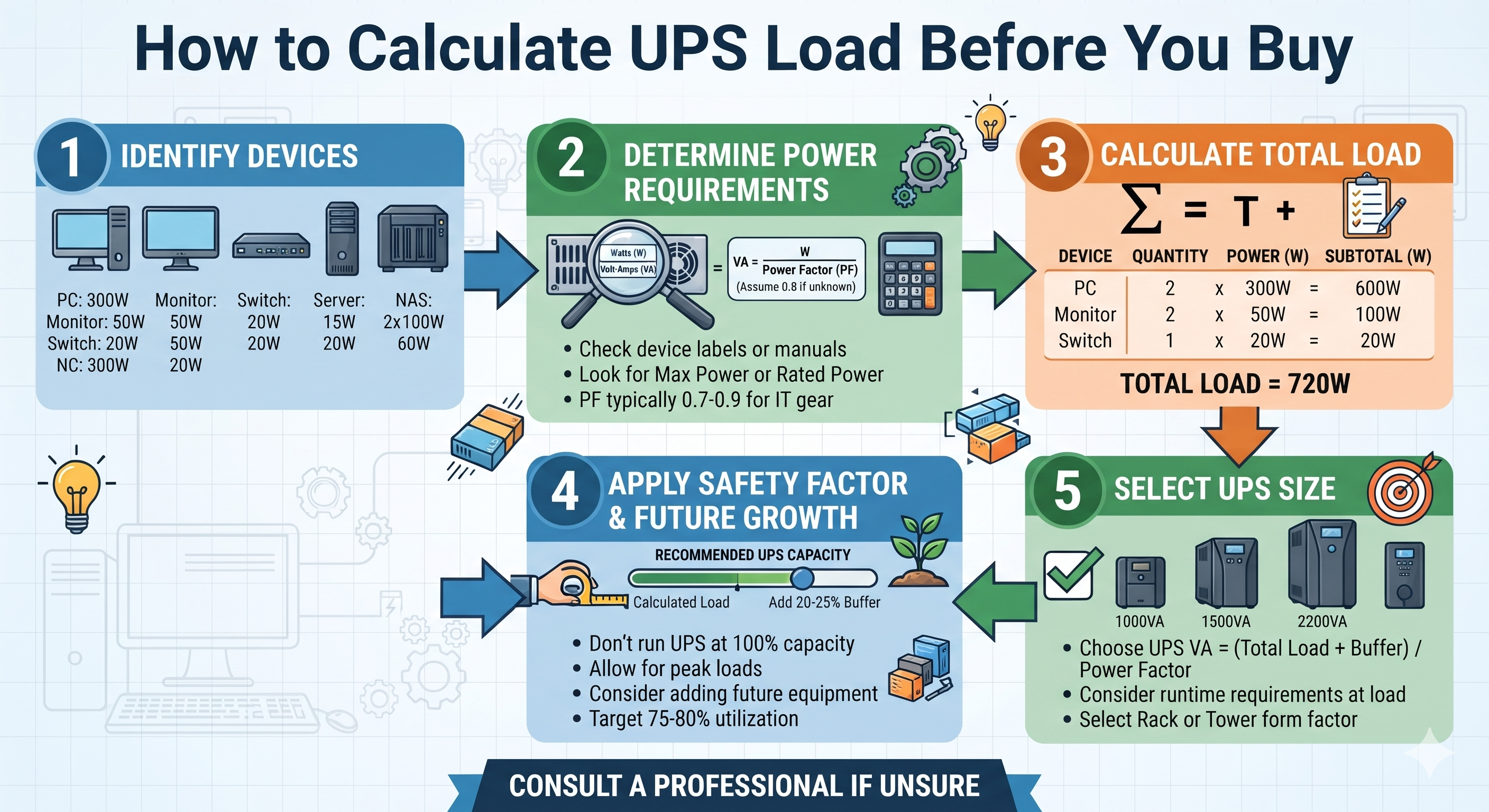
Choosing a UPS based only on its advertised capacity can lead to an unsuitable power backup installation. A UPS that is too small may become overloaded, while an unnecessarily large unit can increase the initial investment. Before purchasing a UPS, businesses should calculate the total power consumption of the equipment they want to protect.
Whether you are planning backup power for office computers, servers, network switches, storage systems or an entire IT room, understanding how to calculate UPS load helps you select the correct capacity and estimate the backup requirements.
This guide explains how to calculate UPS load in watts and VA, understand power factor, estimate runtime and choose a suitable UPS for business applications in Dubai and across the UAE.
UPS load refers to the combined electrical demand of all equipment connected to the UPS output. It is generally expressed in watts (W) and volt-amperes (VA).
For example, if a server consumes 450W, a network switch consumes 100W and a router consumes 30W, the total measured active load is:
450W + 100W + 30W = 580W
The UPS must support this load within its rated watt and VA limits. It is also important to consider future expansion, peak demand and the required backup runtime.
Correct UPS sizing helps businesses avoid unnecessary power protection problems and plan their IT infrastructure more effectively.
Start by identifying every device that needs to remain powered during an electrical interruption. Do not include equipment that does not require backup unless it shares the same protected power circuit.
For a typical office or server room, the equipment list may include:
Record the quantity and power consumption of each device. Use the manufacturer's specifications or actual power measurements where available.
Check the equipment label, product datasheet or manufacturer documentation to find its power requirement. Some devices display watts, while others show voltage and current or only a maximum power rating.
For an initial UPS load calculation, use the actual or estimated operating power in watts where available. Be careful not to confuse a power supply's maximum rated output with the equipment's normal consumption.
| Equipment | Quantity | Estimated Load per Unit | Total Load |
|---|---|---|---|
| Desktop Computers | 5 | 150W | 750W |
| Monitors | 5 | 30W | 150W |
| Network Switch | 1 | 100W | 100W |
| Router | 1 | 30W | 30W |
| NAS Device | 1 | 120W | 120W |
| Total | 1,150W |
In this example, the estimated total active power requirement is 1,150 watts or 1.15kW.
One of the most important parts of UPS sizing is understanding the difference between watts and volt-amperes.
Watts represent real or active power. This is the power used by equipment to perform its work.
VA represents apparent power, which is calculated from the electrical voltage and current. UPS systems are commonly rated in VA or kVA, but they also have a maximum watt rating.
Power factor describes the relationship between active power and apparent power.
Power Factor = Watts ÷ VA
To estimate apparent power from active power:
VA = Watts ÷ Power Factor
For example, if the connected equipment uses 1,150W and the assumed load power factor is 0.9:
1,150 ÷ 0.9 = 1,277.78VA
The estimated apparent power requirement is approximately 1,278VA or 1.28kVA.
Important: This calculation uses an assumed load power factor of 0.9 for illustration. The actual power factor should be obtained from equipment specifications or measurement. Do not confuse the connected equipment's power factor with the UPS's rated output power factor.
After calculating the total watts and VA, compare both values with the UPS's rated output limits.
A UPS must have sufficient capacity in both:
Using the previous example:
Required watt capacity:
1,150W × 1.25 = 1,437.5W
Required VA capacity:
1,278VA × 1.25 = 1,597.5VA
Based on these estimates, select a UPS whose rated output supports at least approximately 1,438W and 1,598VA. A nominal 2kVA UPS may be a candidate, but only if its actual watt rating, operating conditions and other specifications meet the requirement.
The 25% allowance is an illustrative planning margin, not a universal rule. The appropriate margin depends on the application, expected expansion, load characteristics and manufacturer guidance.
UPS capacity and battery runtime are two different things. A UPS may support a particular load but provide only a limited amount of backup time.
Before selecting a model, decide how long the equipment needs to remain powered during an outage.
Common planning objectives include:
Actual runtime depends on battery capacity, battery condition, UPS efficiency, connected load, temperature and battery configuration. Use the manufacturer's runtime chart for the exact UPS model instead of relying on a simple battery-capacity estimate alone.
After calculating the load, select a UPS technology suitable for the equipment and operating environment.
Standby UPS systems are generally used for basic backup requirements, such as selected desktop computers and small office devices. Their suitability depends on the connected equipment and the expected power conditions.
Line-interactive UPS systems can provide battery backup and voltage regulation for compatible loads. They are commonly considered for office equipment and small network installations.
Online double-conversion UPS systems continuously convert incoming AC power to DC and then back to AC. They are commonly selected for critical servers, storage, networking infrastructure and other loads that benefit from a controlled output supply.
The appropriate technology depends on equipment sensitivity, electrical conditions, capacity requirements and backup objectives.
Do not size a UPS only for the equipment's average operating consumption. Consider peak demand, power supply behaviour and future additions.
For example, a server room may initially require 1.5kW but later expand with additional servers, storage devices and network switches. If the UPS is selected without considering planned growth, the system may need an early upgrade.
Check the following:
A small office may need backup for two desktop computers, two monitors, one router and one network switch.
| Equipment | Estimated Total Load |
|---|---|
| 2 Desktop Computers | 300W |
| 2 Monitors | 60W |
| 1 Router | 30W |
| 1 Network Switch | 60W |
| Total | 450W |
The required UPS should support the calculated watt and VA demand, plus a suitable planning margin. A 1kVA model may be worth evaluating, but its watt rating and runtime must be checked.
A small server room may include two servers, one storage device, two network switches and a firewall.
| Equipment | Estimated Total Load |
|---|---|
| 2 Servers | 900W |
| Storage Device | 150W |
| 2 Network Switches | 200W |
| Firewall | 50W |
| Total | 1,300W |
For this installation, calculate the apparent power using the actual load power factor, apply a suitable design margin and compare the result with the UPS's watt and VA ratings. An online UPS may be appropriate depending on the criticality and electrical requirements of the equipment.
A larger commercial installation may include multiple servers, storage systems, network equipment and communication devices. In this situation, calculate each equipment load individually and consolidate the figures into a complete load schedule.
For larger deployments, also assess redundancy requirements, battery runtime, electrical distribution, bypass arrangements and future expansion with a qualified power systems professional.
Use this checklist before requesting a UPS quotation:
Once you understand your total power requirement, the next step is to select a UPS that matches your equipment load, backup runtime and electrical installation.
Marvis Digital supports product enquiries for UPS systems and IT infrastructure equipment in Dubai and across the UAE. Depending on your requirements, you can explore UPS solutions from brands such as APC, Vertiv and Norden.
For a more suitable product recommendation, prepare the equipment list, total load in watts, required runtime and input supply details before requesting a quotation.
For UPS product enquiries, share:
List all equipment connected to the UPS, find each device's power consumption in watts and multiply by its quantity. Add the individual loads to calculate total active power. Then calculate apparent power using the load power factor and compare both values with the UPS ratings.
Watts measure active power consumed by equipment, while VA measures apparent power. The power factor connects the two values: watts = VA × power factor.
It depends on the server's actual power consumption, power factor, required runtime and any additional connected equipment. Check the server's operating load rather than relying only on its power supply rating.
The correct UPS size depends on the combined load of computers, monitors, routers, switches and other devices requiring backup. Calculate the total watts and VA before selecting a model.
It depends on the UPS's rated output power factor and maximum watt capacity. A 1kVA UPS does not necessarily provide 1,000W of usable output. Check the manufacturer's watt rating.
There is no single percentage suitable for every installation. Leave sufficient capacity for expected load variation and future expansion, following the manufacturer's recommendations and the project's design requirements.
Not automatically. Backup runtime depends mainly on battery capacity, battery configuration, UPS efficiency and connected load. A higher-kVA UPS does not necessarily have larger batteries.
Online double-conversion UPS systems are commonly considered for critical server and networking environments because they provide a continuously conditioned output. Final selection depends on the equipment requirements, electrical conditions and project budget.
Only if the additional equipment keeps the combined load within both the UPS watt and VA ratings and does not exceed its other operating limits. Check the remaining capacity and runtime before connecting more devices.
Calculating UPS load before purchasing is essential for selecting the right power backup system. Start by listing all connected equipment, calculate the total watt requirement, determine the apparent power using the load power factor and compare the result with the UPS's rated output capacity.
Remember that UPS capacity and battery runtime are different considerations. A suitable installation should account for both the connected load and the required backup duration, along with future expansion and electrical compatibility.
For businesses in Dubai and across the UAE, careful UPS load calculation can help make power protection procurement more informed and efficient. Contact Marvis Digital for UPS and IT infrastructure product enquiries.

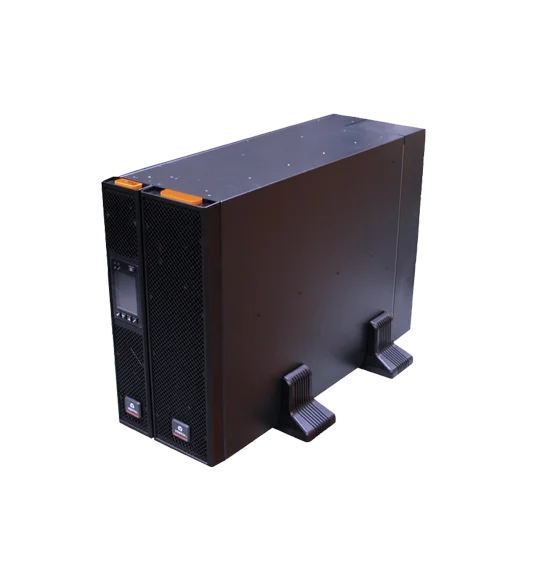
New RDU101 SNMP/webcard with advanced features
16,207.00 AED 17,060.00 AED
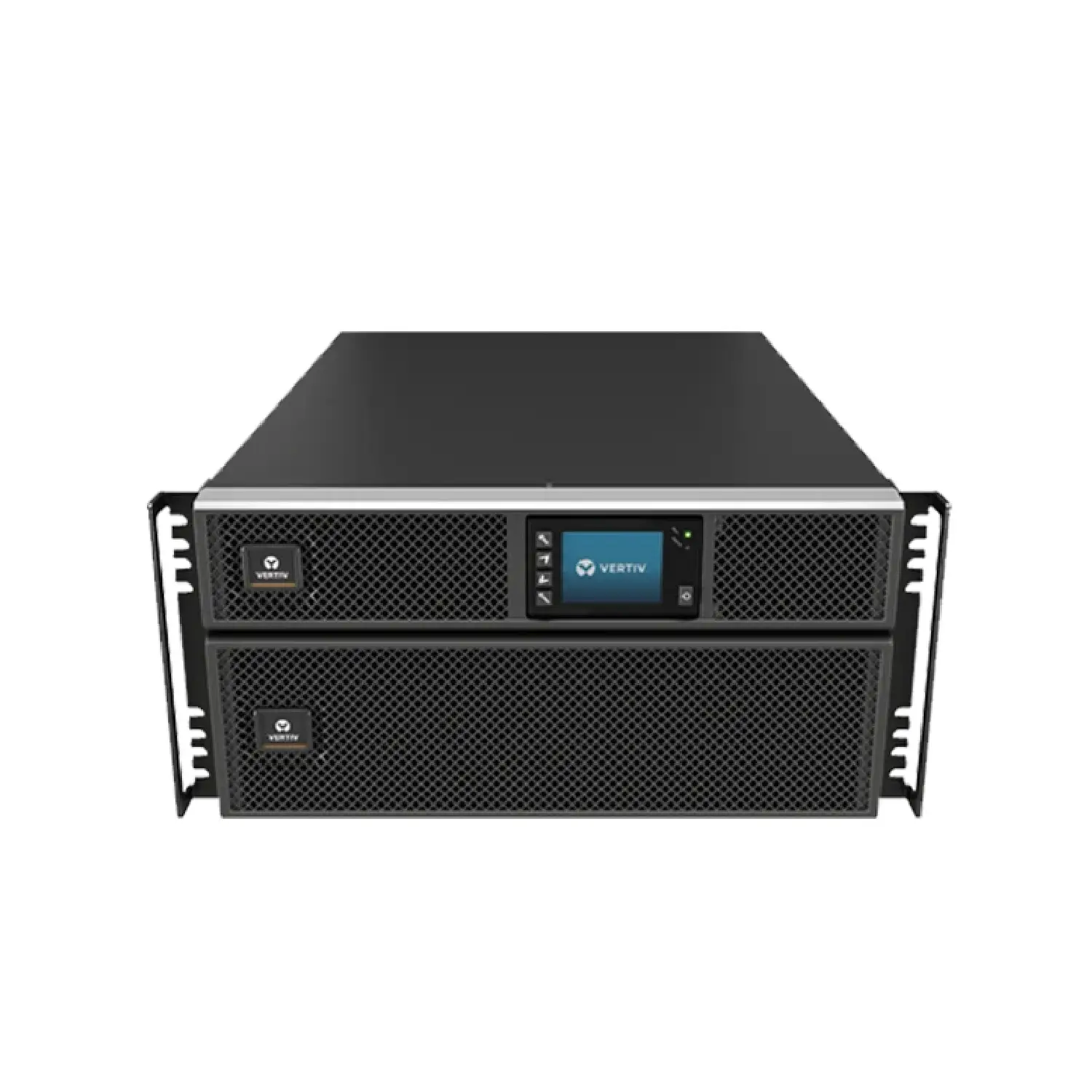
New RDU101 SNMP/webcard with advanced features
2,826.00 AED 3,140.00 AED
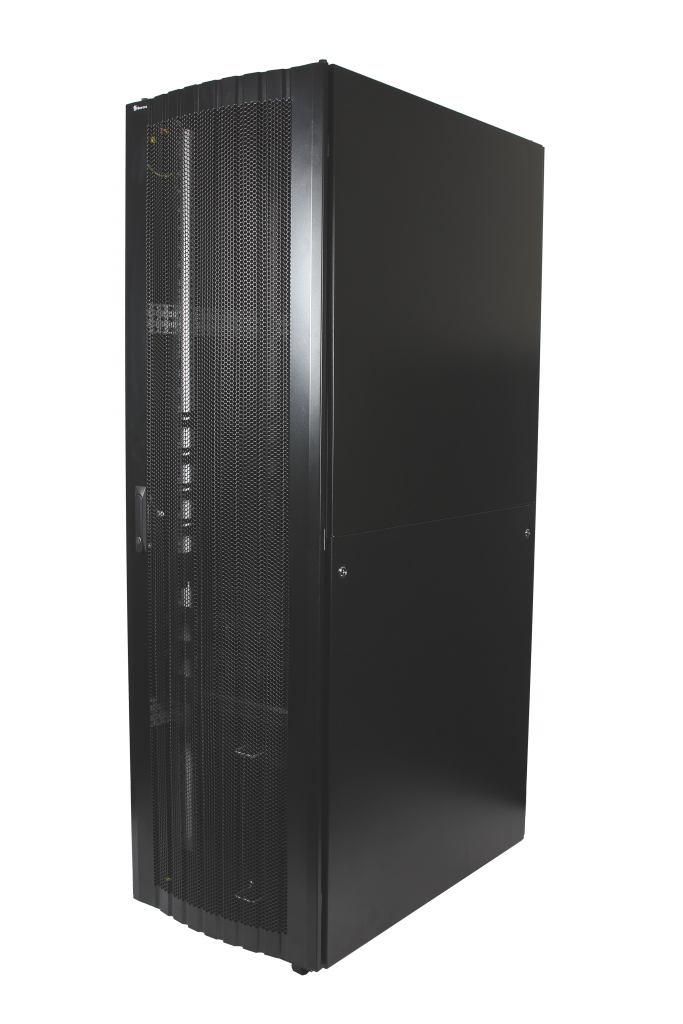
16-folded steel frame with stable structure
Contact for Price
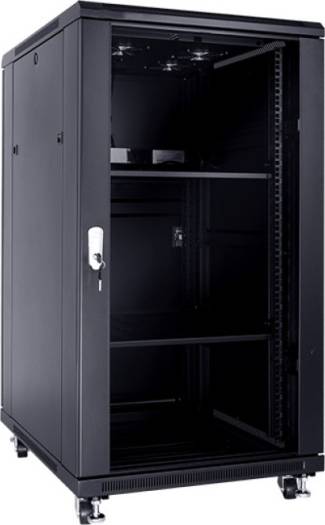
These cabinets are multi-functional cabinet enclosures designed to meet current IT market
893.03 AED 992.25 AED
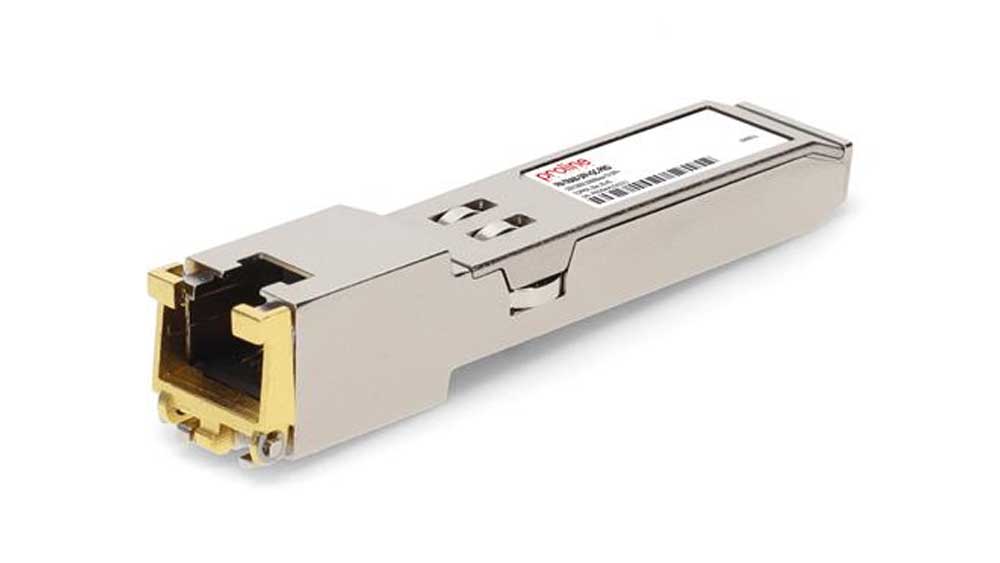
The Fortinet FR-TRAN-ZX SFP Module is a high-performance long-range fiber transceiver, designed...
Contact for Price
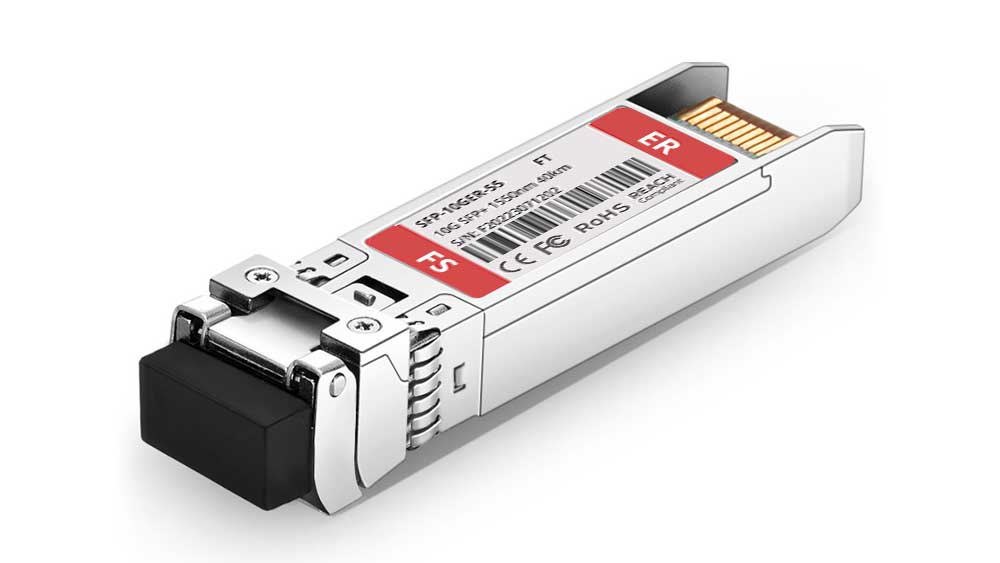
The Fortinet FN-TRAN-SFP+ER SFP+ Module is a 10Gbps long-range fiber transceiver, designed...
Contact for Price
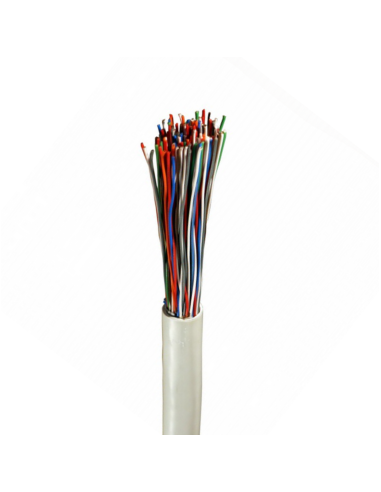
High-quality Norden 0.5mm 50 pair indoor telephone cable (CW1308 standard) designed for...
Contact for Price
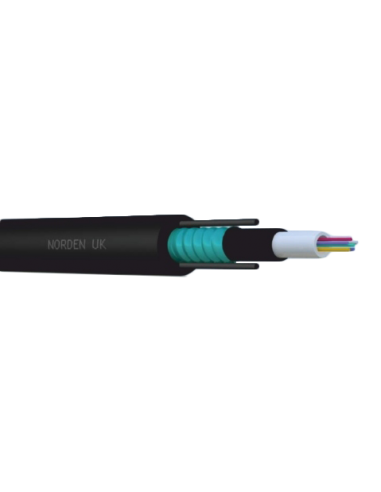
08C OM3 Central Loose Tube Armoured Outdoor Cable PE
Contact for Price

Buy Sony Wireless Noise Cancelling Headphones online in UAE from Marvis Digital....
AED 183.75 AED 257.25

Buy Nikon, Nikon DSLR Camera for Professional Photography online in UAE from...
AED 220.50 AED 330.75
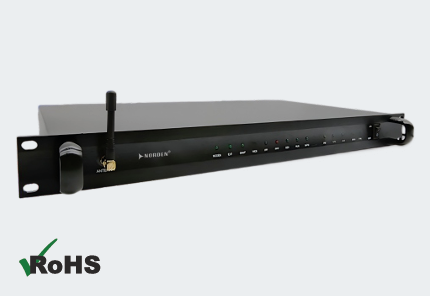
The Norden ENVSENSE II V2.0 Monitoring Host is a comprehensive monitoring solution...
Contact for Price
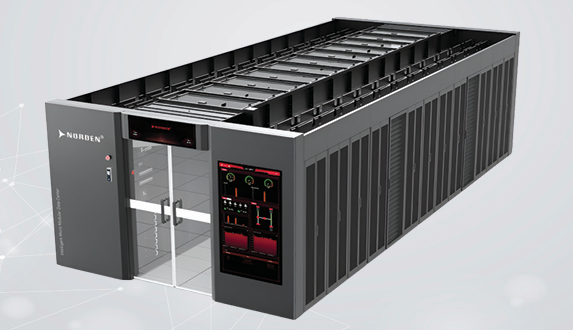
The Norden Smart Aisle Containment Cabinet is an integrated data center infrastructure...
Contact for Price
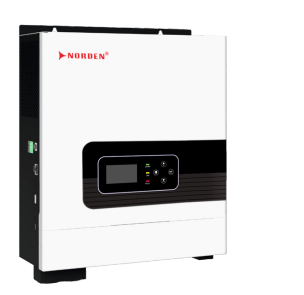
The Optimum Series 1–2.2kVA Off Grid Solar Inverter is an all-in-one solar...
Contact for Price
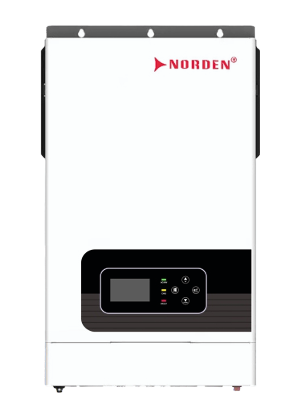
The Optimum Series 4–6.2kW Hybrid Solar Inverter is an intelligent energy management...
Contact for Price

The NAC-9014AE Aluminium Exit Button is a durable stainless steel push exit...
Contact for Price

The NAC-9002AE Aluminium Exit Button is a premium stainless steel push exit...
Contact for Price

Samsung 32-inch UHD Smart Monitor with Smart TV experience, built-in camera, IoT...
Contact for Price
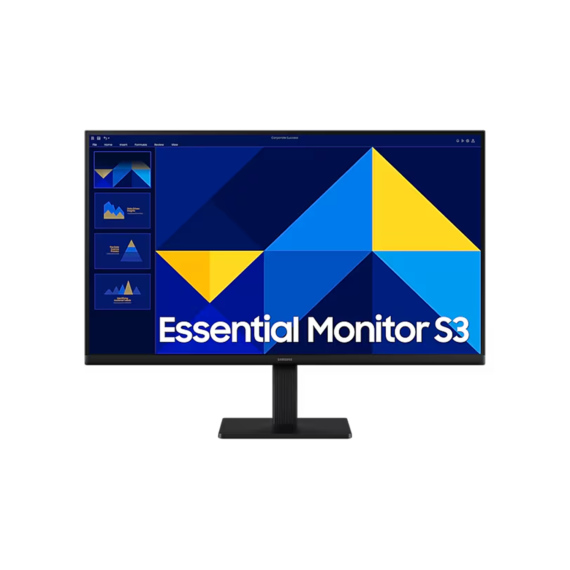
Samsung 27-inch Full HD IPS monitor with 100Hz refresh rate, Eye Saver...
Contact for Price

Lenovo ThinkPad X1 Carbon Gen 13 with 14-inch 2.8K OLED 120Hz display,...
6,535.99 AED 6,879.99 AED
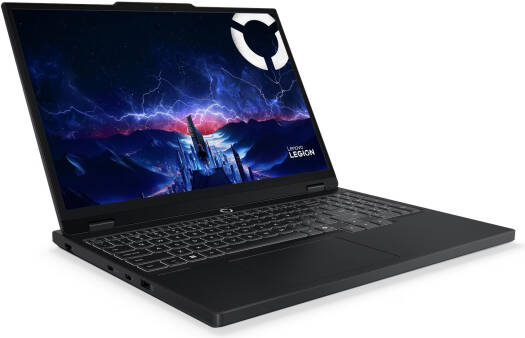
Lenovo Legion 5 gaming laptop with 15.1-inch WQXGA OLED 165Hz display, Intel...
7,314.05 AED 7,699.00 AED